



How It Works
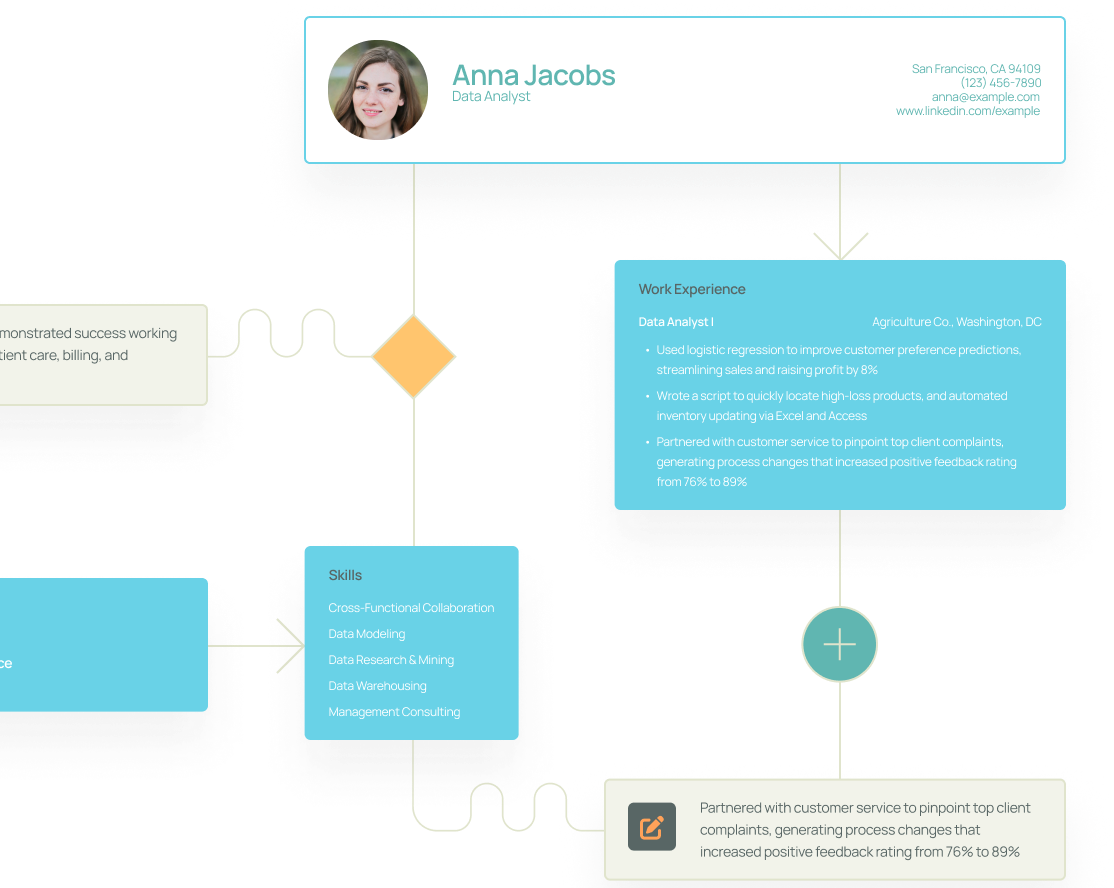
1. Choose a template.
Find a resume template for your industry or the style you want.
How It Works
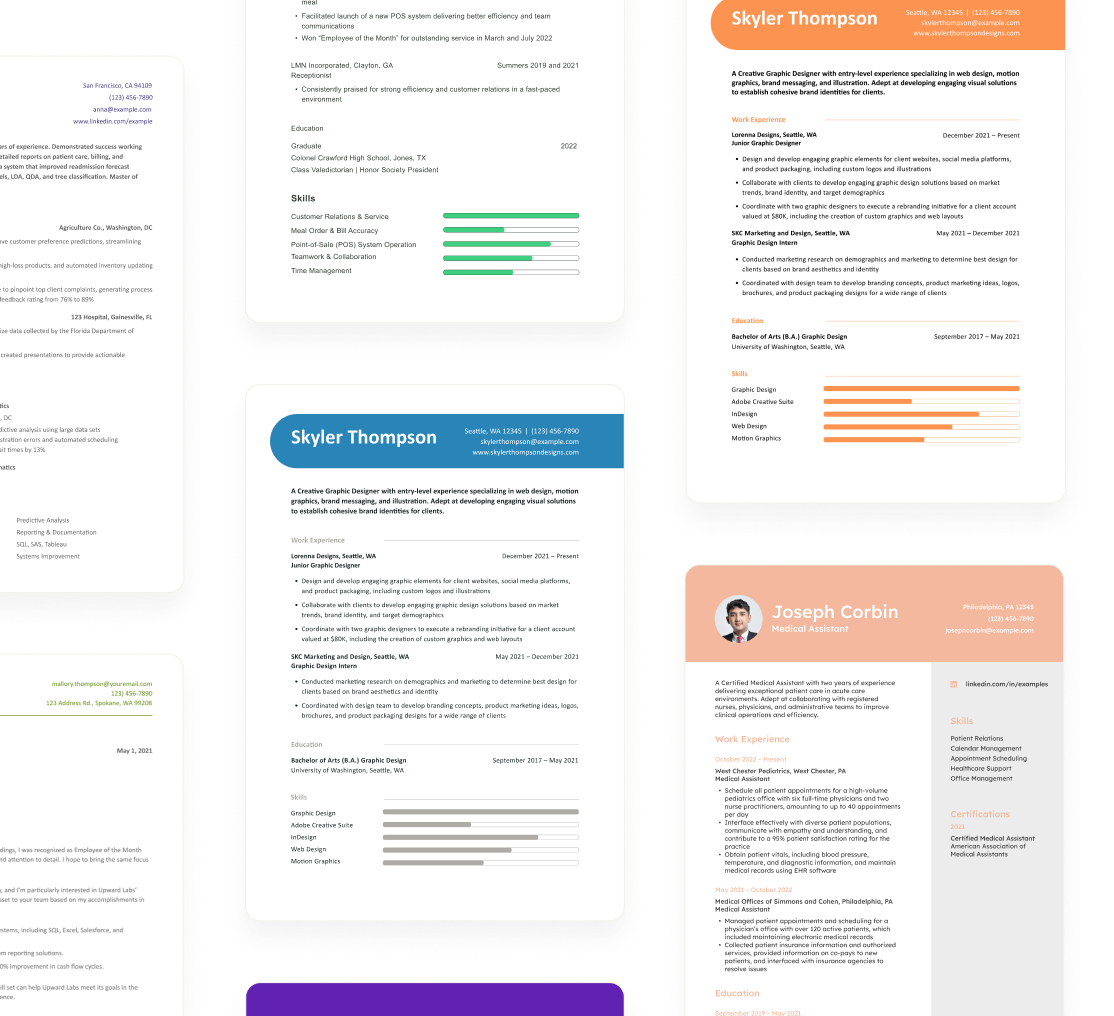
2. Build step by step.
Use our resume templates to write your resume using examples with keywords and skills for your job title.
How It Works
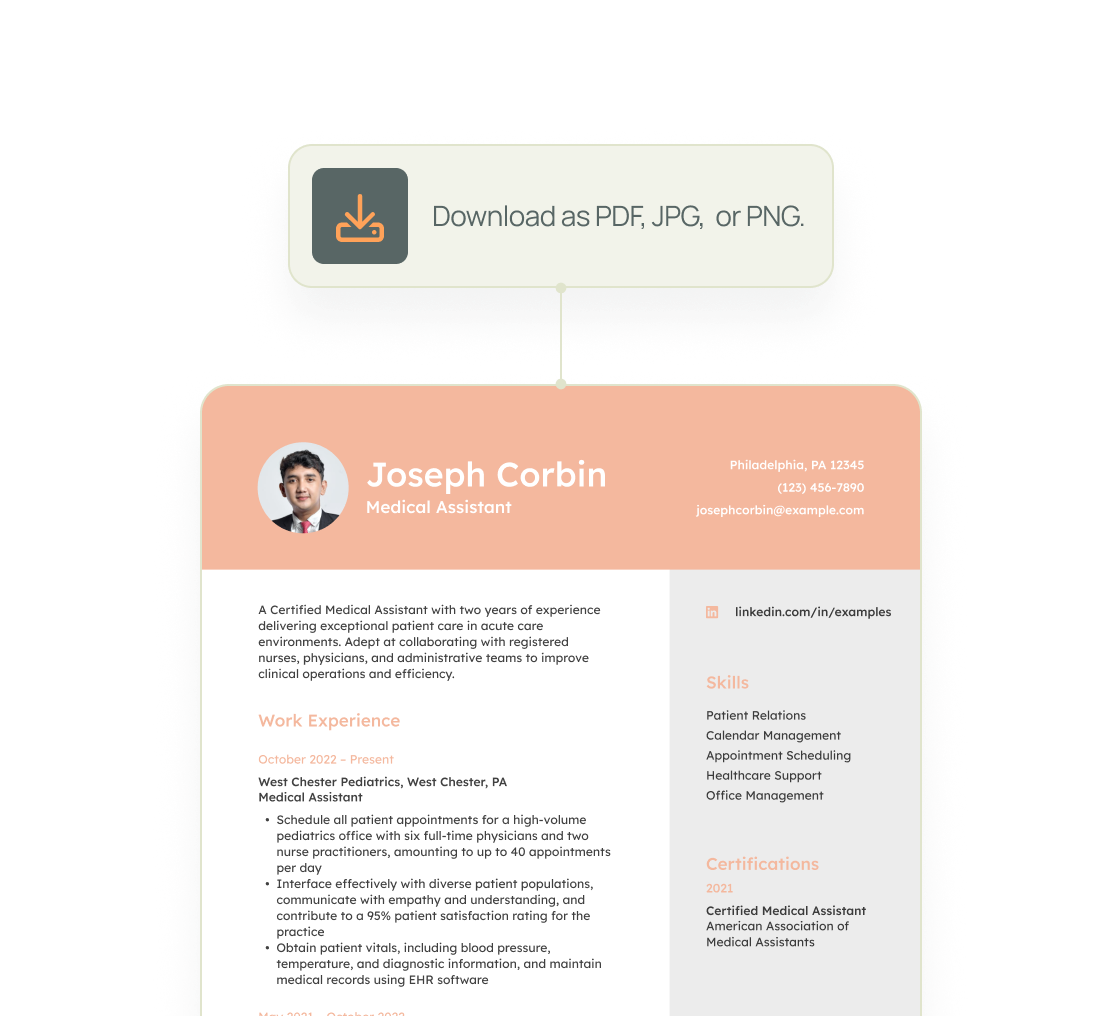
3. Send your resume.
Give your resume a thorough review, then apply. Your next opportunity awaits!
Resume Templates Team

Julia Toothacre offers a multifaceted perspective on career development, drawing on over…

Andrew Stoner is an executive career coach and resume writer with 17…

Carolyn Couch is a Certified Master Coach, Academy Certified Resume Writer, and…

Mark Misiano is a Certified Professional Résumé Writer (CPRW), Certified Digital Career…
Whether you have questions or concerns, we’re ready to help you. Send us a message, and our team will get back to you within one business day.
Resume Templates FAQ
Choose a resume template that aligns with your industry, career level, and personal style. Make sure you consider the layout, format, and particular information that's essential to highlight. You can find the right match on Resume Templates by searching for your industry and job type.
You can download our resume templates and customize your text by adding, deleting, or rearranging sections to better reflect your skills, experiences, and achievements. Find a resume template that suits your industry, career level, or desired format, then use our resume builder to create your resume.
Customizing your resume ensures it aligns with each employer's requirements. Highlight the specific skills, achievements, and experiences that match the job description to improve your chances of standing out. Resume Templates makes this process easier with helpful prompts and adaptable formats.
Yes. Resume Templates has nearly 100 free resume examples and templates. Use these examples to get expert advice on what you should - and shouldn't - include in your resume, such as common key skills and action verbs for your desired job.
Using a professionally designed template and following our expert advice can significantly improve your resume's quality. A well-crafted resume is more likely to catch the attention of hiring managers and make a strong impression, increasing your chances of getting called for an interview.
Resume Templates provides access to expertly designed formats tailored to various industries and career levels. Our templates are easy to customize, ensuring your resume highlights the most relevant skills and experiences. By combining professional design and strategic content placement, Resume Templates helps you create resumes that resonate with hiring managers.
Using Resume Templates is straightforward. Browse our collection to find a template that fits your career goals, then download and customize it using our step-by-step guide. Alternatively, upload an existing resume, and our builder tool will help you enhance it with modern formatting and content suggestions.
Yes, Resume Templates includes features like a content suggestion tool and action-verb recommendations. These tools help you quickly craft compelling bullet points and descriptions for your experiences, saving time while ensuring your resume is polished and professional.
Our AI-powered builder enhances your experience by generating content suggestions based on your inputs. For instance, enter a skill like "marketing strategy," and the tool can generate a complete achievement statement, such as "Developed and executed marketing strategies that increased customer engagement by 40%."
It depends on your application needs. A PDF maintains the design integrity of your resume, making it look consistent across different devices. However, a Word document may be useful for job applications requiring editable formats. With Resume Templates, you can download both options to ensure flexibility.
Yes, Resume Templates offers a selection of free templates that you can fully customize to suit your career needs. With the free version, you can browse our collection of professional designs, select a template, and personalize it with your skills, experience, and education. Once your resume is complete, you can download it in basic text format at no cost. This option is perfect for creating a clean and concise resume quickly without any upfront commitment.
Where to find us

Address
113 Cherry St, #81422, Seattle, WA 98104Give Us a Call
(800) 719-7459Whether you have questions or concerns, we’re ready to help you. Send us a message and our team will get back to you within one business day.
Let us know by filling out our contact form.