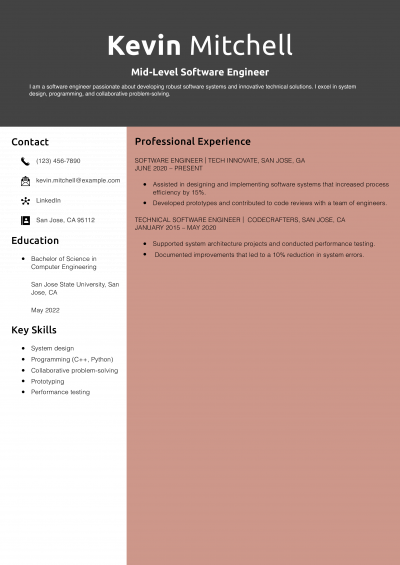
![3 Best Tech Resume Templates and Examples for [y]](/wp-content/uploads/2025/02/Mid-Level-Tech-Resume-Example.x400.pdf.jpeg)
3 Best Tech Resume Templates and Examples for 2026



The IT resumes that advance past the first technical screen share three things: a named stack block on page one, ticket or uptime metrics inside each bullet, and certifications dated within the last three years.
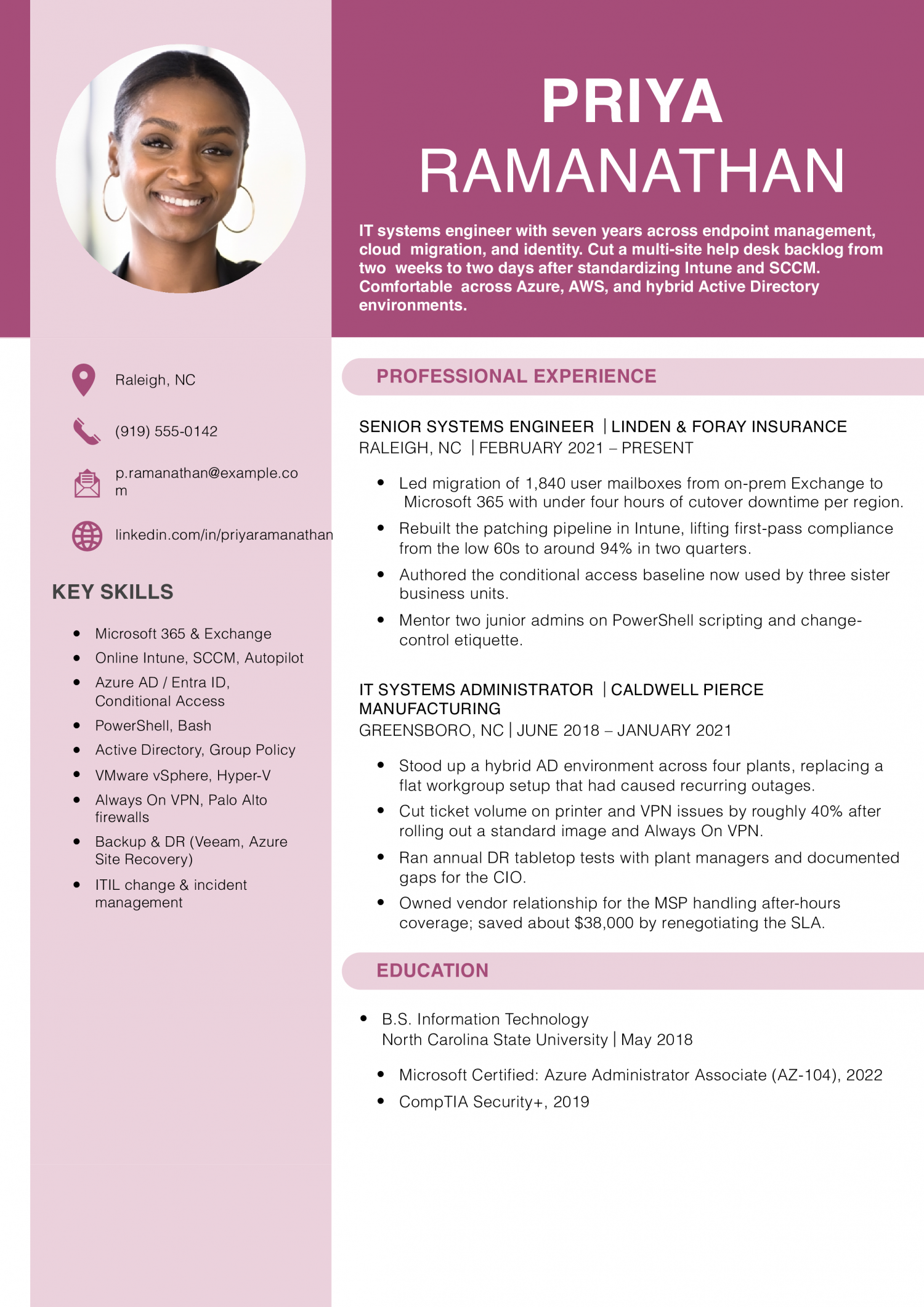
Entry-level IT covers help desk, desktop support, and junior sysadmin roles where you close tickets under an SLA. The resume needs to prove ticket volume, a CompTIA A+ or Network+ in progress or held, and hands-on time with Active Directory or M365.
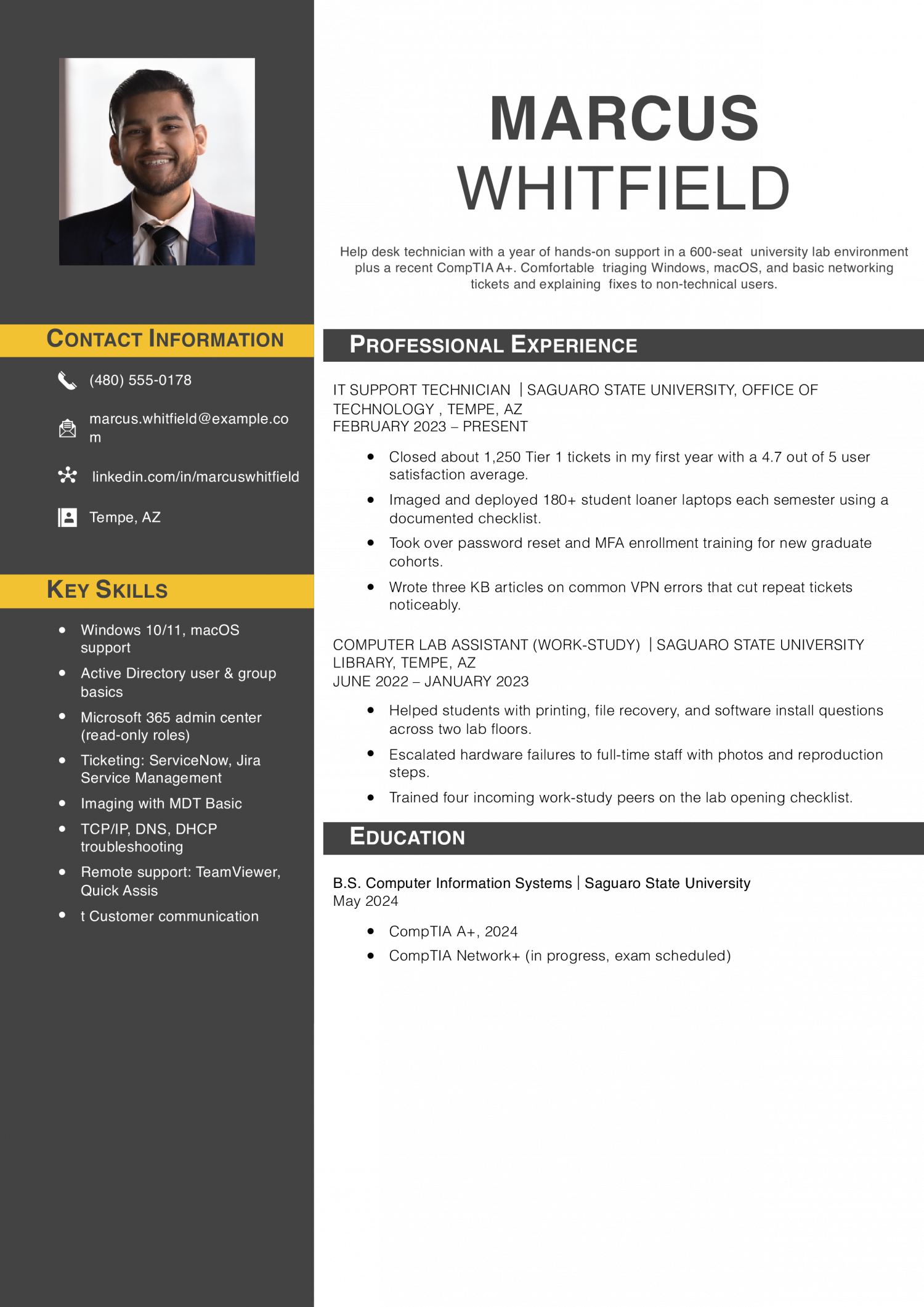
Mid-career IT covers systems administrators, network engineers, and cloud support roles owning servers, switches, or AWS and Azure tenants. The resume needs to prove uptime numbers, the stack you administer end to end, and a Security+, AWS, or Cisco cert that maps to the posting.
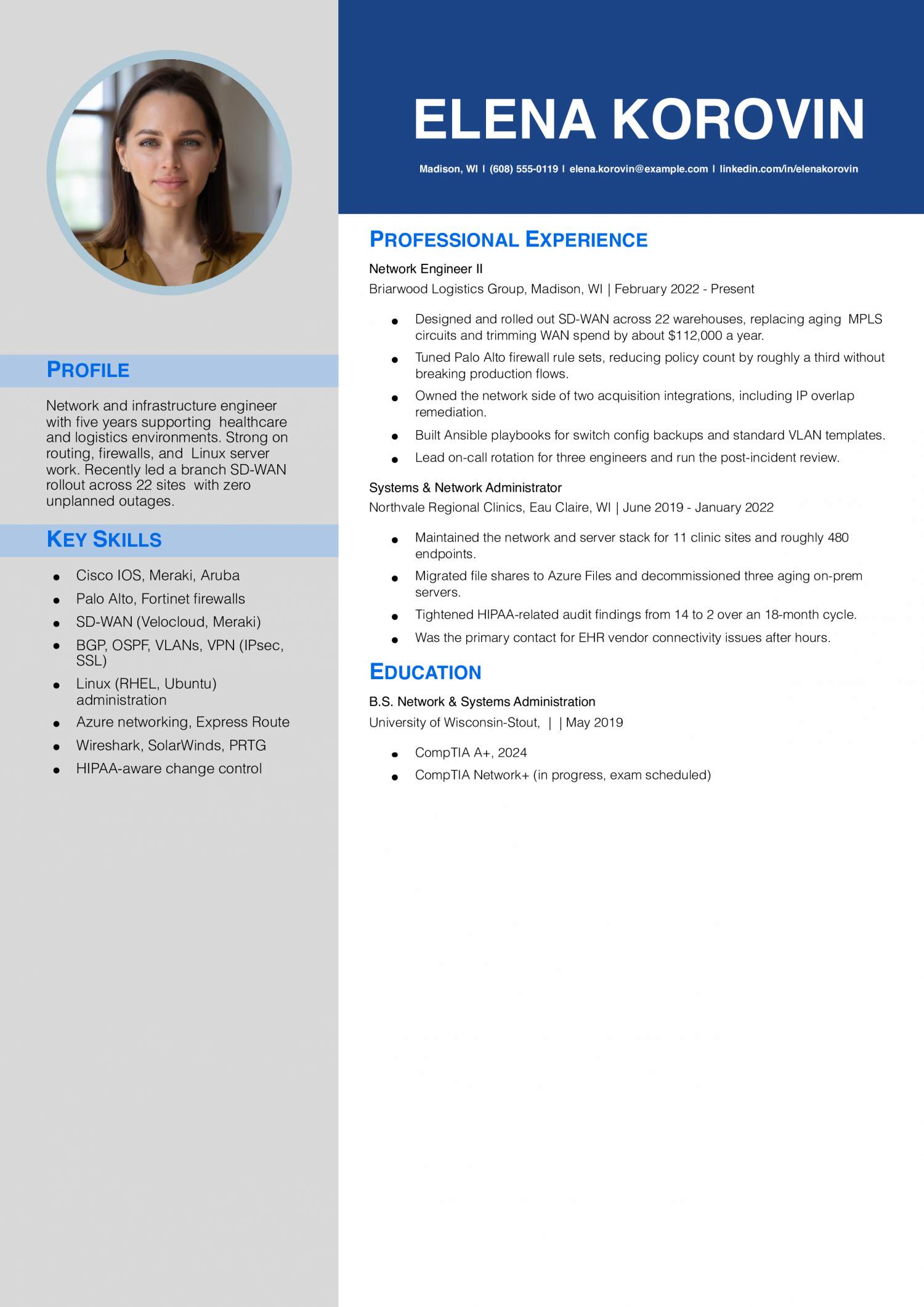
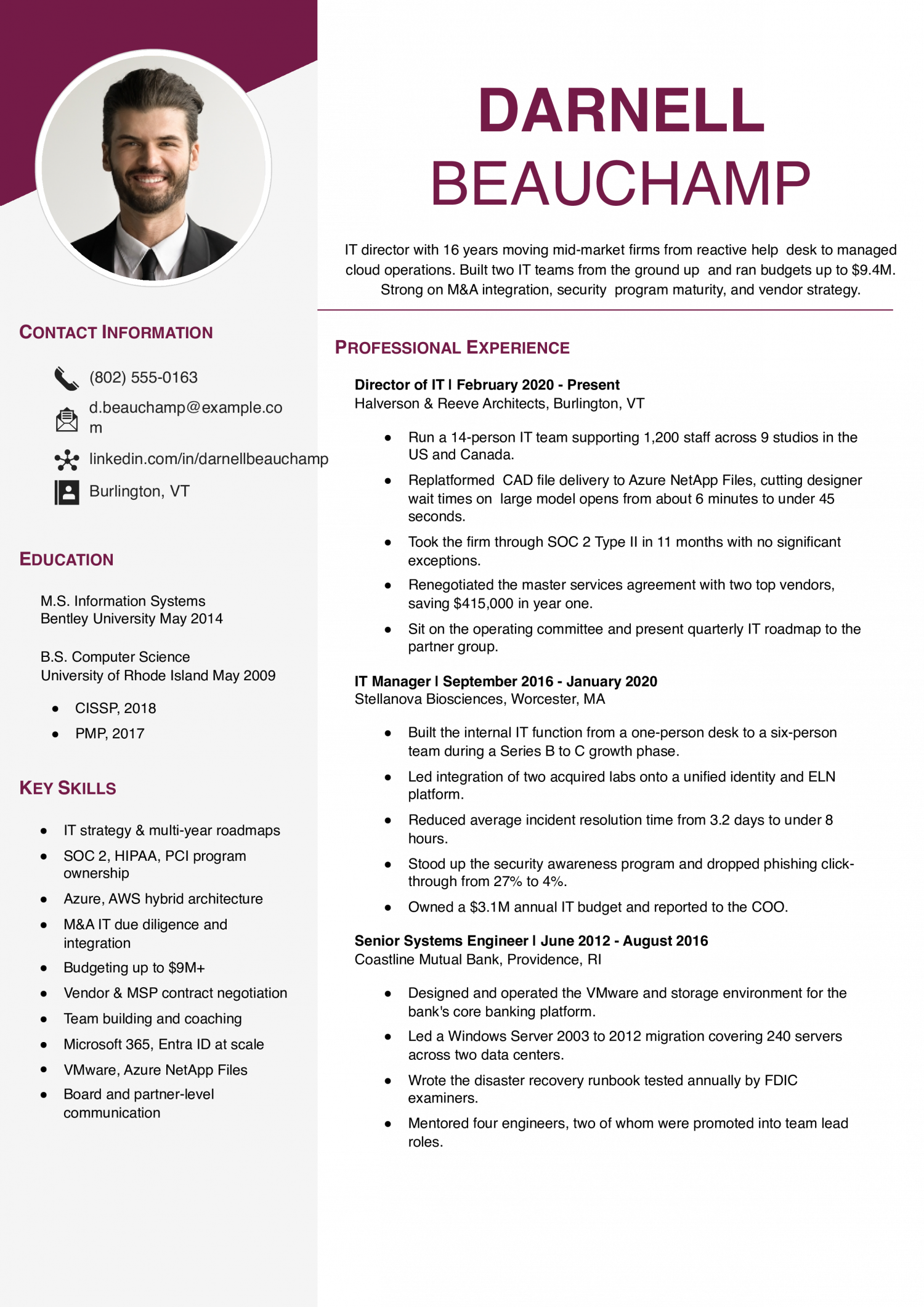
Senior IT covers infrastructure leads, IT managers, and principal engineers steering roadmaps, vendors, and on-call rotations. The resume needs to prove headcount or budget owned, platform migrations delivered, and security or compliance outcomes tied to SOC 2, HIPAA, or PCI scope.
Priya Ramanathan
Raleigh, NC | (919) 555-0142 | [email protected] | linkedin.com/in/priyaramanathan
IT systems engineer with seven years across endpoint management, cloud migration, and identity. Cut a multi-site help desk backlog from two weeks to two days after standardizing Intune and SCCM. Comfortable across Azure, AWS, and hybrid Active Directory environments, and used to working with finance and compliance stakeholders.
Senior Systems Engineer
Linden & Foray Insurance | Raleigh, NC | 2021-Present
IT Systems Administrator
Caldwell Pierce Manufacturing | Greensboro, NC | 2018-2021
Help Desk Technician II
Caldwell Pierce Manufacturing | Greensboro, NC | 2017-2018
IT Intern
Cardinal Civic Credit Union | Raleigh, NC | Summer 2017
The first line of your summary should name the scale you operate at, not your years in IT. IT directors read scale as readiness to handle their environment.
Lead with endpoint count, ticket volume per week, uptime percentage, or users supported. A help-desk summary that opens with “Resolve 180 tickets weekly across 1,400 endpoints at 96% first-touch” reads stronger than “Five years of IT support experience.”
Pair the number with the stack: Active Directory, Intune, ServiceNow, Azure. That combination tells the reader inside 10 seconds whether your environment matches theirs.
IT work generates numbers everywhere. Bullets without one tend to read as duties, and recruiters scan for digits first when they parse the experience block.
Anchor bullets to two or three metrics: MTTR in minutes, SLA attainment percentage, uptime percentage, tickets closed per week, endpoints or users supported, or dollar value of the project budget you ran.
A strong bullet reads: “Cut Tier 2 MTTR from 6.2 hours to 2.8 by rewriting the AD lockout runbook, lifting SLA attainment to 94%.” Most strong IT resumes carry a number in roughly 80% of bullets.
IT is not one job. Group your bullets under three or four headings so the reader can map you to the open role.
Useful buckets for this field: end-user support and ticketing, systems and identity (AD, Entra, Intune, Jamf), network and security (firewalls, VLANs, MFA, SIEM), and cloud and infrastructure (AWS, Azure, GCP, on-prem hypervisors).
Project work goes in its own block: migrations, rollouts, hardening sprints, audits. Name the scope (users, sites, endpoints) and the result (cutover hours, downtime, dollars saved).
IT directors and technical recruiters scan for certs and stack before they read your experience. Bury them on page two and the resume looks generic.
Build a credentials block under the summary listing CompTIA A+, Network+, Security+, AWS Solutions Architect, Azure Administrator, CCNA, or ITIL 4 with the year earned. List the cert name and issuing body, not the registration number.
Add a separate stack block: operating systems, cloud platforms, ticketing, scripting (PowerShell, Bash, Python), endpoint management, and security tools. Match the wording to the job posting so the ATS parses a clean hit.
Senior IT resumes hit a length problem. The fix is editing for what the next role needs, not what you did 12 years ago.
Cut help-desk bullets once you have five years of sysadmin or engineering work above them. Drop expired certs, deprecated tools (Windows Server 2008, on-prem Exchange 2010), and any objective statement.
Keep what proves scope: platforms you architected, headcount you led, budgets you owned, audits you passed (SOC 2, HIPAA, PCI), and migration outcomes. Two pages is the ceiling for most IT roles, even at director level.
Five years ago, an IT resume read like an alphabet soup of every tool you had ever touched. The skills below come from the resumes our users built in 2026. The mix has shifted toward named cloud platforms, identity stacks, and ticketing systems over generic “Microsoft Office” lines.
IT directors weight hard skills heavily because the role is tool-bound, but soft skills like incident communication and vendor coordination decide who runs a bridge call. Match the hard-skill list against the posting and use the soft skills as evidence backing your bullets, not as a standalone block.
| Soft Skills | % of resumes with this skill |
|---|---|
| Communication | 69% |
| Problem solving | 52% |
| Teamwork | 50% |
| Critical thinking | 40% |
| Adaptability | 29% |
And here are the top hard skills showing up most often.
| Hard Skills | % of resumes with this skill |
|---|---|
| Cloud computing | 69% |
| Cybersecurity | 67% |
| Programming languages | 48% |
| Network administration | 37% |
| SQL databases | 30% |
Based on data from thousands of IT professionals’ resumes built on ResumeTemplates.com, May 2026.
Before an information technology resume gets a closer read, hiring teams check for a short list of essentials.
IT directors expect a niche section that maps to the sub-discipline they are hiring for. Group your keywords by specialty so the ATS and the reader can match you to the role inside a few seconds.
| Niche | Keywords ATS scans for |
|---|---|
| Help desk and end-user support | tier 1 support, ticket triage, ServiceNow, SLA attainment |
| Systems and identity administration | Active Directory, Entra ID, Intune, Group Policy |
| Network engineering | Cisco IOS, Meraki, VLAN, firewall administration |
| Cloud and infrastructure | AWS EC2, Azure Administrator, Terraform, hybrid cloud migration |
| Security and compliance | SOC 2, HIPAA, EDR, MFA rollout |
AI use on an IT resume can go three ways: lead with “AI-powered systems engineer” (which IT directors screen out), leave it off entirely (which reads as evasive in 2026), or describe the workflow as it actually runs. The third is what technical interviewers can validate.
Generative AI now drafts first-response macros and classifies inbound tickets, shifting Tier 1 work toward review and escalation judgment.
GitHub Copilot writes first-pass PowerShell and Bash, so the value moved to reading, testing, and hardening generated code.
Microsoft Copilot drafts knowledge-base articles from ticket history, which raises the bar on accuracy review and version control.
AI assistants summarize bridge calls and Slack threads into post-incident reports, freeing engineers for root-cause analysis.
IT directors scan the stack block before they read your bullets. List the tools you actually administer, grouped by category, and match the spelling to the target posting.
A CompTIA A+ or equivalent fundamentals cert keeps you eligible for most help-desk and junior roles. The certifications below are what move an IT resume from the qualified-but-typical stack into the shortlist an IT director actually interviews. List the cert name, issuing body, and year earned on one line.
Resume Templates offers HR approved resume templates to help you create a professional resume in minutes. Choose from several template options and even pre-populate a resume from your profile.
Use both forms on the same resume. Spell out "Information Technology" once in your summary or a section header.
Then use "IT" through the bullets and the skills block. ATS parsers index both forms, and recruiters skim the acronym faster than the full phrase.
Lead the resume with your CompTIA A+, Google IT Support, or Network+ cert and your degree or bootcamp.
Then list home-lab projects, internships, and any volunteer help-desk work with ticket counts. Name the tools you actually ran: VirtualBox, pfSense, Active Directory, Intune, PowerShell.
A home lab with three documented projects often beats a generic "seeking entry-level IT role" objective. IT directors read it as proof you self-teach.
Pull the transferable signals into one short line: inventory systems, RF scanners, WMS troubleshooting, barcode printers, shift handoffs.
Build the rest of the resume around your CompTIA A+ or Google IT Support cert, a home lab you can demo, and any internal IT support you did informally (resetting kiosks, swapping printers, training new hires on the WMS).
Lead the summary with the cert and the target role, not the warehouse title. The reader needs to see IT intent in the first line.
Mirror the target posting first. If the role lists "Entra ID," "Intune," and "ServiceNow," use those exact strings.
Then layer in the ATS staples most IT roles share: Active Directory, Microsoft 365, Azure or AWS, PowerShell, ITIL, endpoint management, SLA, MTTR, incident response.
Spell each acronym out once ("Multi-Factor Authentication (MFA)") so the parser indexes both forms.
For an IT professional, a tech template is the safest pick, because it keeps your stack, tools, and impact easy to scan. An template is a solid alternative. Whichever you choose, keep the formatting clean and easy to parse: clear section headings, a standard font, and no graphics a parser can choke on
Executive Resume Writer and Career Coach
Andrew Stoner is an executive career coach and resume writer with 17 years of experience as a hiring manager and operations leader at two Fortune 500 Financial Services companies, and as the career services director at two major university business schools.
![4 Best Technical Resume Examples and Templates for [y]](/wp-content/uploads/2024/03/Senior-Technical-Project-Manager-Resume-Example.x400.pdf.jpeg)