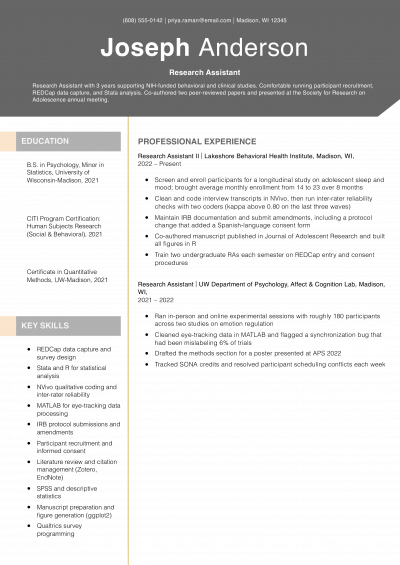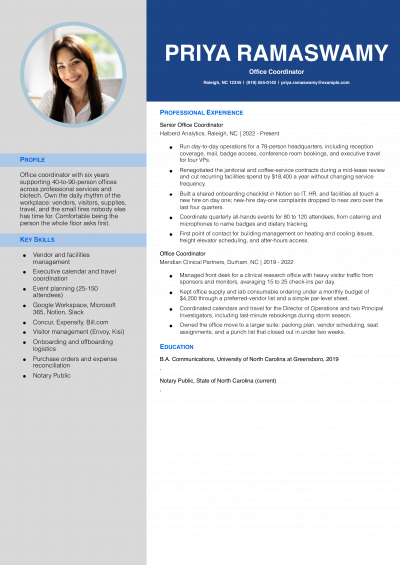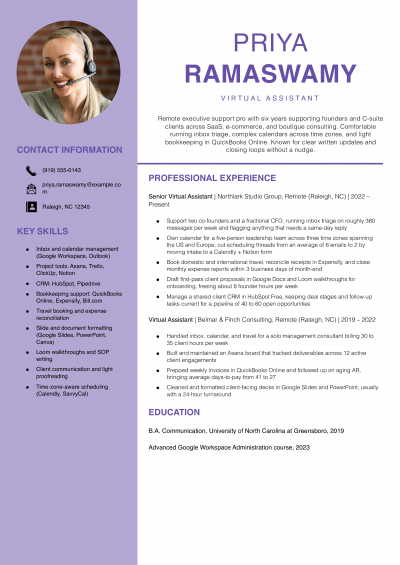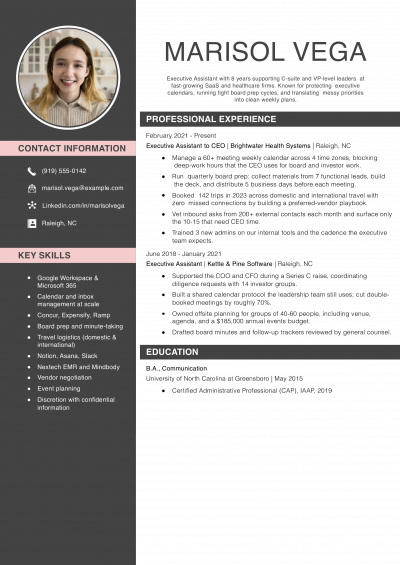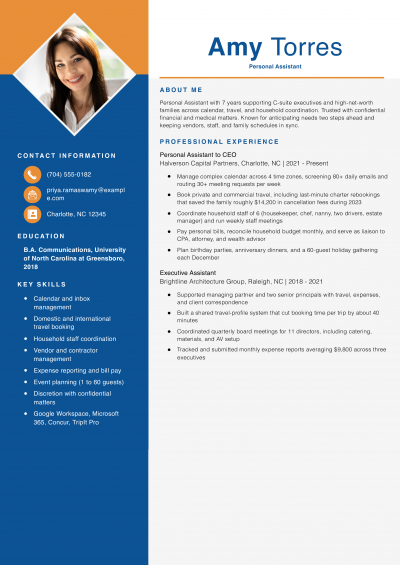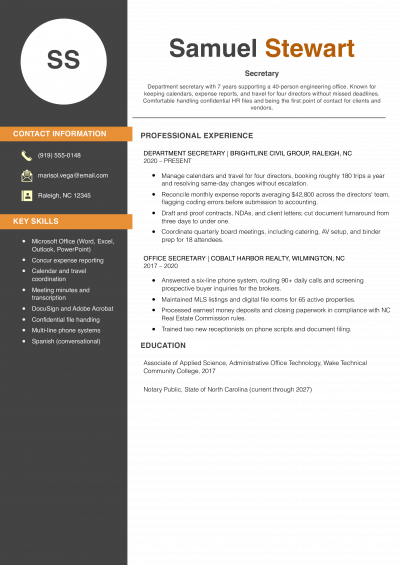
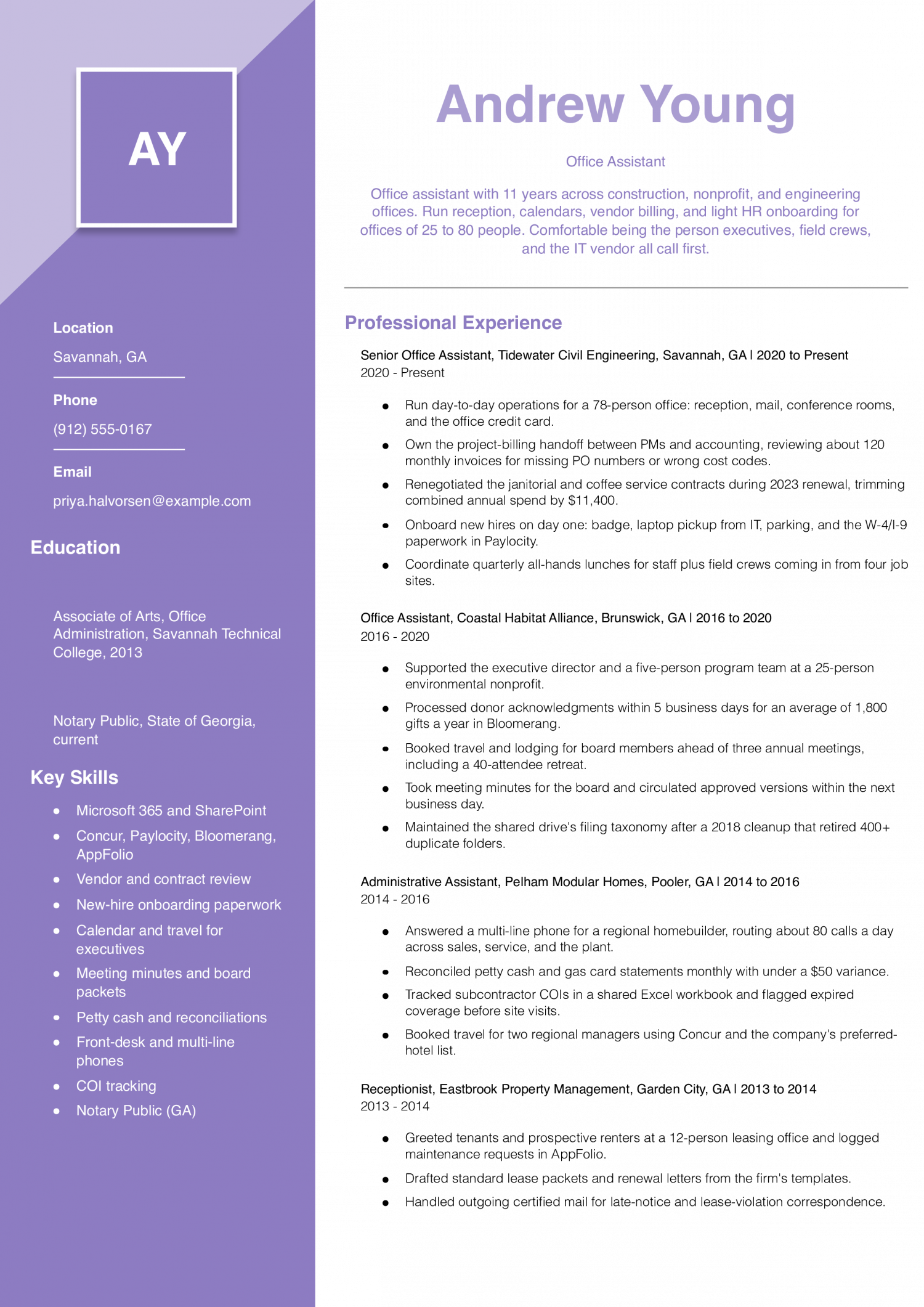
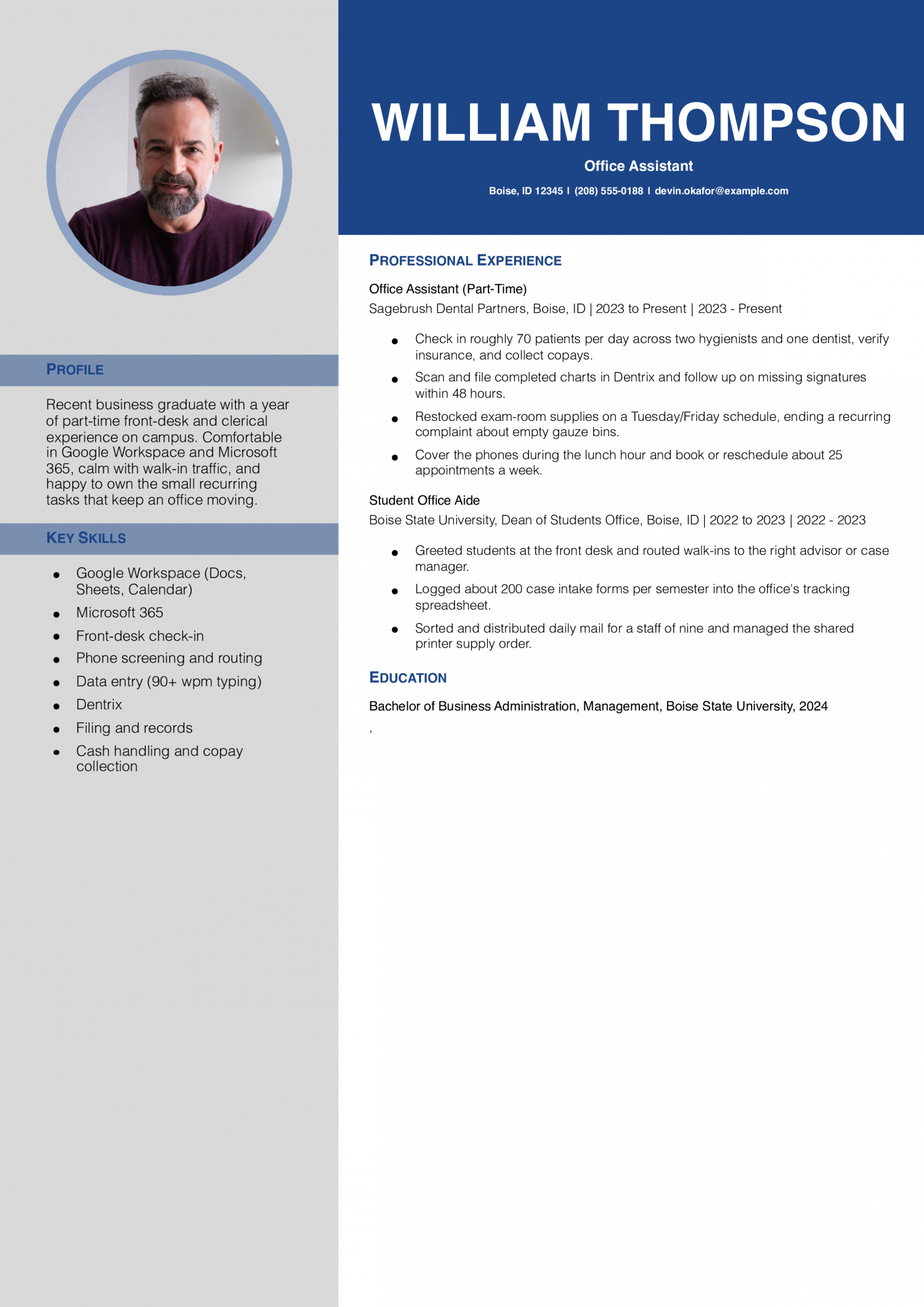
Marketing Assistant Resume Examples and Templates for 2026

Add a single line a marketing manager cannot pull from any other resume in the stack. That can be a paid social budget you managed, a HubSpot workflow you built, a TikTok account you grew,…
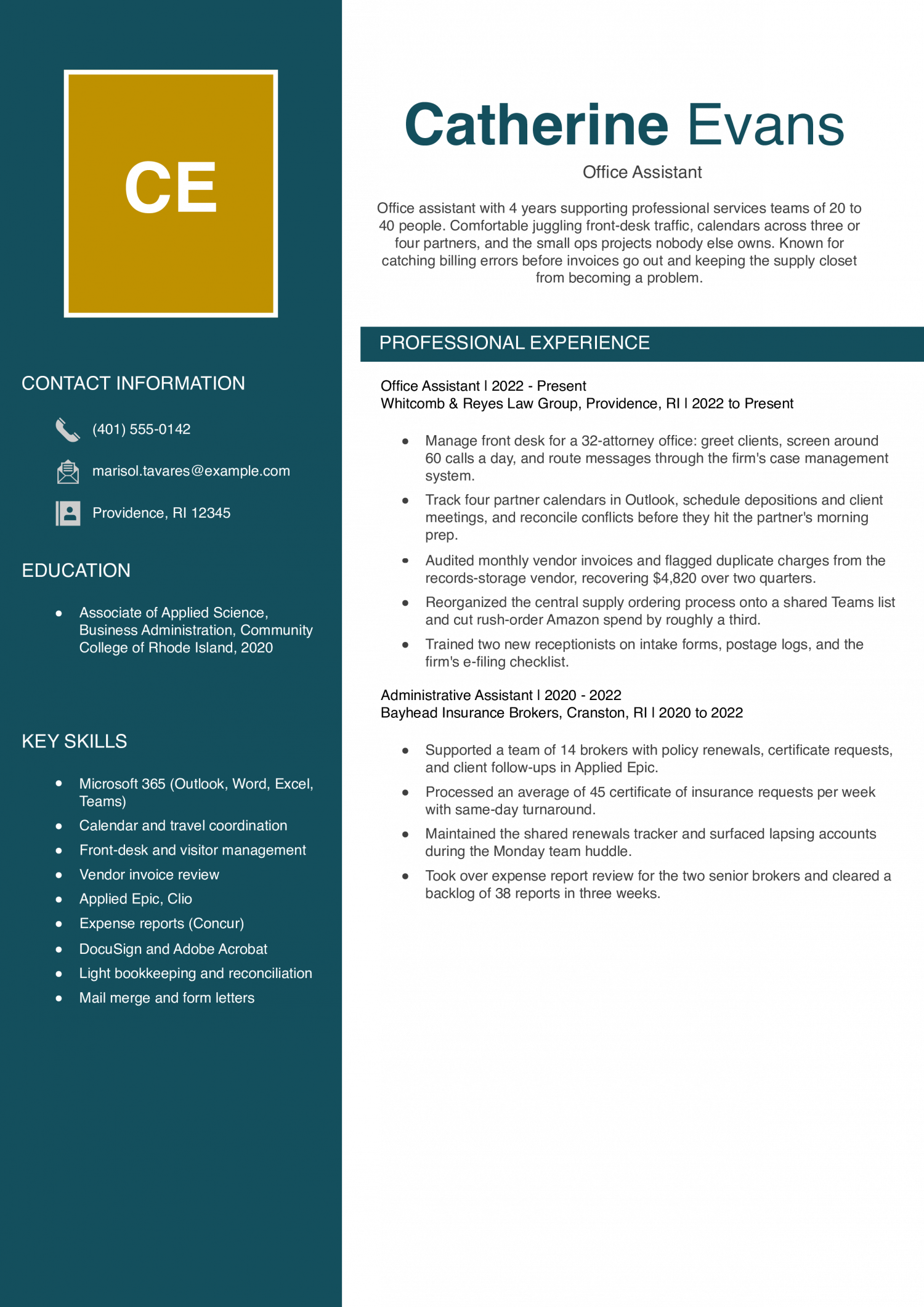
A tools-first skills block is what gets office assistant resumes past the ATS scan; clean bullets with call volume and calendar scope are what make them readable enough for an office manager to flag for an interview.
Entry-level office assistants are often coming from retail, hospitality, or a recent associate degree. The resume needs to prove you can run phones, type accurately, and keep a calendar without supervision from day one.
Experienced office assistants have two to five years supporting executives or a department of stated size. The resume needs to show software fluency, vendor coordination, and the volume of calls, invoices, or meetings you owned each week.
Renata Beaufort
Tulsa, OK | (918) 555-0123 | [email protected] | linkedin.com/in/renatabeaufort
Office assistant with 8 years across healthcare, accounting, and small-business settings. Comfortable owning the front desk, vendor invoices, and executive calendars at the same time. Known for clean documentation, calm phone presence, and finding the small process fix that ends a recurring headache.
Office Assistant
Greenwood Family Medicine | Tulsa, OK | 2021-Present
Administrative Assistant
Hartline & Vargas CPAs | Broken Arrow, OK | 2018-2021
Office Assistant
Red Dirt Title Company | Sand Springs, OK | 2016-2018
Receptionist
Larkspur Veterinary Clinic | Owasso, OK | 2015-2016
Your profile should state your years of administrative experience and the office setting you have supported. Name the type of employer: a law firm, a 30-provider clinic, a construction office, a university department.
Then list the work you owned: phones, calendars, vendor invoices, travel, or front-desk reception. Three to four sentences is the right length. Office managers reading the top of page one want to know what desk you ran and at what volume before they scroll.
Bullets without numbers read as duties, not results. Office managers scan for volume signals first: calls per day, meetings booked per week, invoices processed per month.
Pick two or three real metrics and put them in your top bullets. Examples: handled 80 to 120 inbound calls a day on a six-line system, processed 200 vendor invoices a month in QuickBooks, booked travel for a team of 14. Round honestly.
Specific volume beats vague claims about being organized.
Break your work into three or four categories so an office manager can scan it in seconds. Common groupings: front-desk and phones, calendar and travel, document and data entry, vendor and billing support.
Under each category, lead with the highest-volume or highest-trust task. Mixing reception, bookkeeping, and executive support into one block buries the signal. Office managers hiring for a specific gap want to see the matching category surface fast.
List your tools in a skills block near the top: Microsoft Office (Word, Excel, Outlook), Google Workspace, QuickBooks, Zoom, Slack, and any scheduling or CRM software you have run. ATS parsers and office managers both look here first.
If you hold a Microsoft Office Specialist certification, IAAP credential, or a notary commission, add a short credentials line under your skills. Putting these on page two costs you the keyword match and the recruiter’s scan.
End with your education: associate or bachelor’s degree, high school diploma, or in-progress program with expected completion date. Add the school and city.
If you took business communications, accounting, or office technology coursework, list two or three courses under the degree. For career changers from retail or hospitality, a short line on transferable customer-service or cash-handling volume helps office managers connect your past work to the desk you want.
The skills below come from office assistant resumes our users built on ResumeTemplates.com. Office managers and administrative leads scan dozens of resumes a week, and these are the skills that show up most often. Hard skills like QuickBooks and Outlook calendar management get you through the ATS.
Soft skills like discretion and prioritization back up your bullets when the office manager reads them. Match this list against the posting you want, and use the soft skills as evidence to support a specific bullet, not as a standalone block.
| Soft Skills | % of resumes with this skill |
|---|---|
| Written and verbal communication | 65% |
| Organization | 56% |
| Time management | 48% |
| Attention to detail | 39% |
| Problem solving | 29% |
And here are the top hard skills showing up most often.
| Hard Skills | % of resumes with this skill |
|---|---|
| Microsoft Office Suite | 70% |
| Data entry | 66% |
| Calendar scheduling | 47% |
| Filing and records management | 35% |
| Document preparation | 32% |
Based on data from thousands of office assistants’ resumes built on ResumeTemplates.com, May 2026.
These are the must-haves hiring teams look for when scanning an office assistant resume.
Office managers are split between teams using Copilot and ChatGPT for drafting and scheduling and teams that limit AI use because of client confidentiality. Name the tools you use, describe the workflow honestly, and avoid claiming you ‘automate the office’ when the real work is drafting emails and summarizing meeting notes.
Copilot and Gemini draft routine replies and scheduling messages, which you review and edit before sending to clients or staff.
Otter and Copilot generate transcripts and action items from Zoom and Teams calls, replacing manual note-taking for internal meetings.
AI-assisted OCR pulls invoice data into QuickBooks or Excel, cutting the time spent on manual vendor invoice keying.
Scheduling assistants suggest meeting slots across multiple calendars, but you still confirm conflicts and protect executive focus blocks.
Office managers and administrative leads read this list as a map of where your work is heading. The certifications below tell them whether you are aiming at executive support, bookkeeping-adjacent work, or generalist office operations. List the issuing body and the year of completion next to each one.
The 90th-percentile office assistant out-earns the median by a wide margin, which tells you the market rewards software depth and the trust level of the executive or team you support more than years on the job.
Geography also moves pay: dense metro markets with corporate headquarters pay above the national mean, while small-office and nonprofit settings sit closer to the median. Lead your resume with the tools you have run and the scope of the team you supported, not your tenure total.
| # | State | Avg. Annual |
|---|---|---|
| 1 | District of Columbia | $55,800 |
| 2 | Connecticut | $55,690 |
| 3 | Washington | $54,560 |
| 4 | Massachusetts | $53,690 |
| 5 | California | $53,190 |
| 6 | Rhode Island | $51,500 |
| 7 | Hawaii | $50,580 |
| 8 | Oregon | $49,950 |
| 9 | Minnesota | $49,900 |
| 10 | New Jersey | $49,600 |
| # | State | Workers | Median |
|---|---|---|---|
| 1 | California | 169,670 | $53,190 |
| 2 | Texas | 150,480 | $43,350 |
| 3 | New York | 127,620 | $49,200 |
| 4 | Florida | 98,270 | $43,650 |
| 5 | Illinois | 79,440 | $47,890 |
Resume Templates offers HR approved resume templates to help you create a professional resume in minutes. Choose from several template options and even pre-populate a resume from your profile.
Skip the objective. Objectives waste prime resume space telling the office manager what you want.
Use a three- to four-sentence summary instead. Name your years of experience, the office setting you have supported, and the tools you run.
Close the summary with one signal of trust: the size of the team you supported or the volume of calls and invoices you handled.
Pull from retail, hospitality, or volunteer work. Cash handling, customer service, and scheduling all map to office tasks.
Name the software you used: POS systems, scheduling apps, email, spreadsheets. Add daily transaction or customer counts as your volume metrics.
Add any Microsoft Office Specialist certification or relevant coursework near the top. This gives an office manager a clean reason to advance you.
Use a reverse-chronological format with a skills block near the top.
ATS parsers read this format cleanly. Office managers can scan your most recent role and current tool stack in seconds.
Avoid heavy graphics, columns, or text boxes. These break the keyword parse on most ATS platforms.
List the tools the posting names first, then the ones you use weekly in your current role.
Drop software you touched once or have not used in three years. A stale list signals padding to office managers.
Group the tools by category: productivity suite, accounting, scheduling, communication. This reads cleaner than a single long line.
For an office assistant, a professional template is the safest pick, because it signals the polish hiring managers in this field expect. An ATS-friendly template is a solid alternative. Whichever you choose, keep the formatting clean and easy to parse: clear section headings, a standard font, and no graphics a parser can choke on.