Call Center Representative Resume Examples and Templates for 2026



IT managers decide whether to keep reading by the first three bullets under your most recent role; if ticket volume, fix rate, and the ticketing system aren't named there, the resume gets passed over for one that does.

Entry-level help desk technicians coming out of a CompTIA A+ track, a bootcamp, or a first IT internship. The tier 1 resume needs to prove hands-on troubleshooting on Windows and Microsoft 365, plus comfort working a ticket queue.

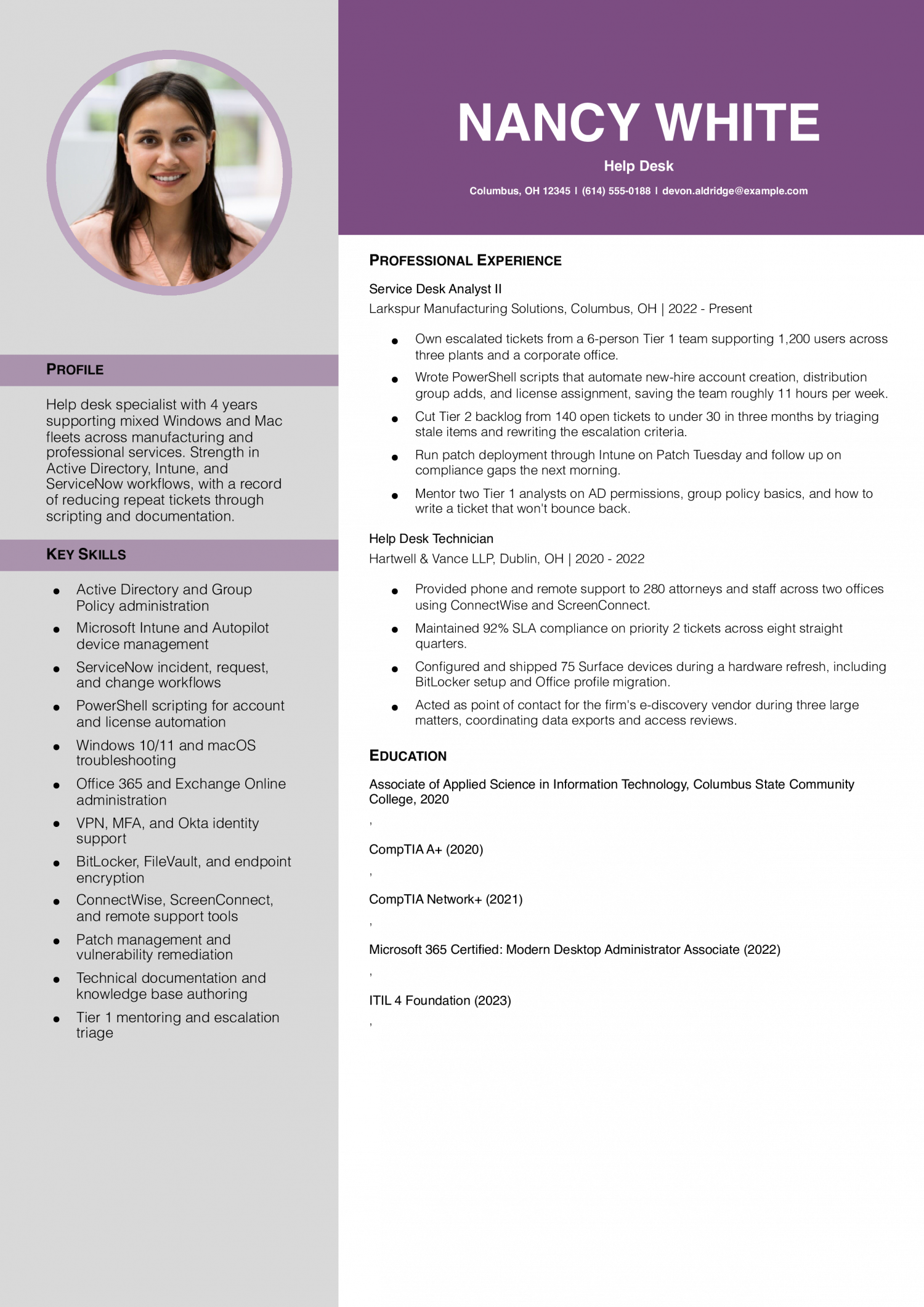
Mid-level technicians with two to five years on a ticketing system and clear SLA numbers. The tier 2 resume needs to show ticket volume per week, first-contact fix rate, and escalation patterns to tier 3 or sysadmin.
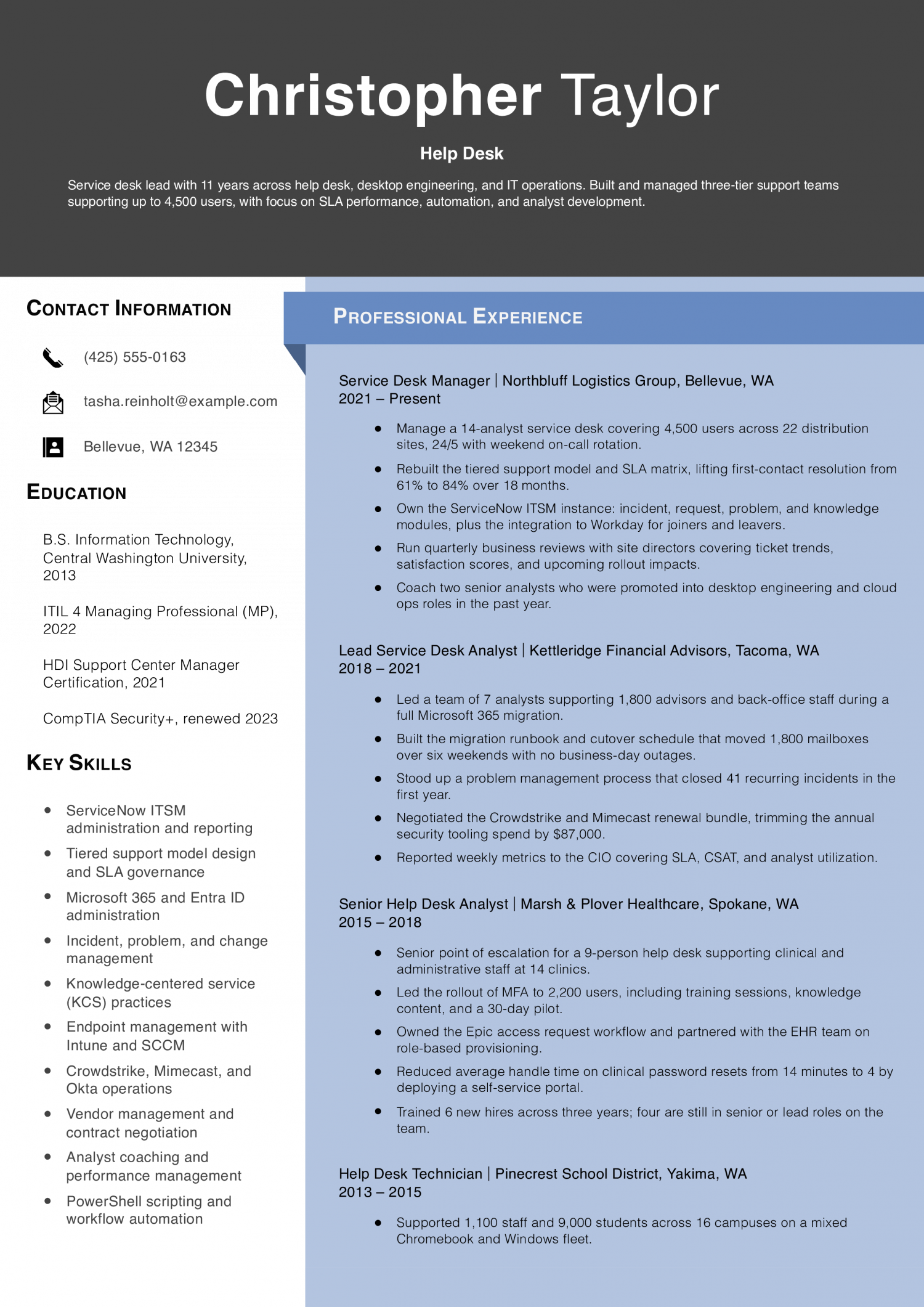
Senior help desk and service desk leads who mentor tier 1 staff and own SLA reporting. The tier 3 resume needs to show queue ownership, ITIL process work, and measurable cuts in ticket backlog or mean time to resolution.
Help desk professional with 7 years across education, SaaS, and healthcare environments supporting up to 2,600 end users. Strong in ITIL-aligned ticket workflows, Active Directory, Microsoft 365, Jamf, and remote support tooling. Track record of cutting repeat tickets through documentation, automation, and end-user training.
Your profile should state your years on a service desk, the environment you support, and the ticketing system you live in.
Name the user count, the operating systems, and whether you work tier 1, tier 2, or a blended queue. A line like “three years on ServiceNow supporting 1,200 Windows and Mac users across two school districts” tells the support lead more in one sentence than a generic summary does in five.
Add one credential signal if you have it: CompTIA A+, ITIL Foundation, or Microsoft 365 Fundamentals.
Help desk work has clean metrics, and recruiters scan for them first. Bullets without a number tend to read as duties.
Most strong resumes name two or three of these: average tickets closed per day or week, first-contact resolution rate, SLA adherence, mean time to resolution, and CSAT score.
Write “resolved 45 tickets per day at an 82% first-contact fix rate against a 4-hour SLA” rather than “handled high ticket volume.” If your team doesn’t track CSAT, use queue size or backlog reduction instead.
Cluster bullets into three to five categories so a support lead can scan your range fast.
Common buckets: account and access (Active Directory, Azure AD, password resets, MFA), endpoint support (Windows, macOS, imaging, Intune or Jamf), productivity stack (Microsoft 365, Google Workspace, Teams, Zoom), network and connectivity (VPN, Wi-Fi, basic switch troubleshooting), and hardware (printers, peripherals, RMA).
Within each, lead with the action and the tool, not the topic. “Provisioned 30+ user accounts per week in Active Directory and assigned licenses in Microsoft 365 admin center” beats “responsible for account management.”
IT managers and support team leads need to see your credential signal early, because it sorts the stack.
Put a short Certifications block under your profile listing CompTIA A+, Network+, ITIL Foundation, or any Microsoft role-based certs, with the year earned. Add a Technical Skills block in the same column naming the ticketing system (ServiceNow, Jira Service Management, Zendesk, Freshservice), the directory (Active Directory, Azure AD), and the endpoint tools (Intune, Jamf, SCCM).
List state of license or security clearance status if the posting asks for it. Never include certification or clearance numbers on the resume itself.
For an entry-level or mid-level help desk resume, the closing section carries the upward trajectory.
List your degree or coursework, including an associate’s in IT, a CIS bachelor’s, or relevant bootcamp work with the completion date.
Add a short Projects or Continuing Education line: a home lab running Active Directory and Hyper-V, a TryHackMe or Microsoft Learn track, or a Network+ exam scheduled this quarter. That signals you’re moving toward sysadmin, network, or security work, which is the path support leads hire for.
Five years ago, a help desk resume read like a checklist of operating systems and printer brands. The skills below come from the resumes our users built in 2026. The mix has shifted toward ticketing platforms, identity tools, and SLA fluency.
IT managers and support team leads weight hard skills first because the ATS parses them, but soft skills like clear written communication carry the technical screen. Match the hard-skill list against your target job posting, then use the soft-skill list to shape the proof inside your bullets.
| Soft Skills | % of resumes with this skill |
|---|---|
| Customer service | 77% |
| Communication | 57% |
| Problem-solving | 49% |
| Patience | 38% |
| Active listening | 28% |
And here are the top hard skills showing up most often.
| Hard Skills | % of resumes with this skill |
|---|---|
| Technical troubleshooting | 77% |
| Ticketing systems | 56% |
| Operating system support | 45% |
| Remote support tools | 39% |
| Active Directory administration | 33% |
Based on data from thousands of help desk technicians’ resumes built on ResumeTemplates.com, May 2026.
The items below are what separate a help desk resume from one that gets put back in the pile.
IT managers and support team leads expect your skills section to mirror the posting’s exact phrasing. The clusters below group the searcher-shaped terms that trigger ATS matches for help desk roles.
| Niche | Keywords ATS scans for |
|---|---|
| Core help desk | help desk technician, it help desk, helpdesk support, tier 1 support |
| Service desk and ITIL | ux designer, pservice desk analyst, itil incident management, sla adherence, change management |
| Desktop and endpoint support | desktop support, windows 11 troubleshooting, intune endpoint, imaging and deployment |
| Identity and Microsoft 365 | active directory, azure ad, microsoft 365 admin, mfa and sso |
| Ticketing platforms | servicenow, jira service management, zendesk, freshservice |
Support leads are split between teams piloting AI copilots inside the ticketing system and teams that ban generative tools on user data. Name the tools you use, describe the workflow honestly, and don’t claim you “automate resolution with AI” if your actual practice is drafting KB articles and summarizing tickets.
AI copilots inside ServiceNow and Zendesk now suggest categories and priorities, which shifts your job toward verifying classifications and catching misroutes.
Tier 1 technicians use LLMs to draft KB articles from resolved tickets, then edit for accuracy before a senior tech approves and publishes.
PowerShell and Graph API snippets generated by Copilot speed bulk account work, but you still own testing in a non-prod tenant first.
Self-service bots deflect tier 0 questions, so your queue trends toward harder tickets that need real troubleshooting and judgment.
Microsoft Copilot for Microsoft 365: Draft KB articles from resolved tickets, summarize long email threads, and generate PowerShell starters for account tasks.
ServiceNow Now Assist: Auto-summarize tickets at handoff, suggest resolution steps from past tickets, and generate end-user response drafts.
Postings name specific tools by version. Mirror that vocabulary so the ATS parses your match cleanly and the support lead can spot it on the first scan.
Ticketing: ServiceNow, Jira Service Management, Zendesk, Freshservice, Salesforce Service Cloud
Identity and access: Active Directory, Azure AD (Entra ID), Okta, Duo, MFA
Endpoint management: Microsoft Intune, Jamf Pro, SCCM, Autopilot, BigFix
Productivity and collaboration: Microsoft 365, Google Workspace, Teams, Slack, Zoom
Remote support: TeamViewer, BeyondTrust, ScreenConnect, Quick Assist
Operating systems: Windows 10 and 11, macOS, iOS, Android, basic Linux command line
Networking basics: TCP/IP, DNS, DHCP, VPN clients, Wi-Fi troubleshooting
A high school diploma and basic troubleshooting keep you eligible for tier 1 work. The certifications below are what move a help desk resume from the qualified-but-typical stack into a support team lead’s shortlist. List the issuing body, the year earned, and the expiration if there is one.
CompTIA A+: The baseline credential most help desk postings name by title; signals you can troubleshoot hardware, OS, and basic networking without supervision.
ITIL 4 Foundation: Shows you understand incident, problem, and change management vocabulary, which matters once you work a real ticketing queue with SLAs.
Microsoft 365 Certified: Modern Desktop Administrator Associate (MD-102): Carries weight for shops running Intune, Autopilot, and Azure AD; pairs well with desktop support and endpoint-heavy roles.
CompTIA Network+: Useful when your queue includes VPN, Wi-Fi, and switch-level tickets; signals you can escalate intelligently to the network team.
The top-paying states for help desk technicians cluster in high cost-of-living tech corridors and federal-contractor hubs, not the lower-cost metros most job seekers default to. Pay tracks the density of enterprise IT, healthcare networks, and cleared-contract work in those regions.
If you’re geographically flexible or open to remote, the resume should foreground enterprise ticketing systems, multi-site support scope, and any clearance status by sentence, not by number.
| # | State | Avg. Annual |
|---|---|---|
| 1 | District of Columbia | $76,880 |
| 2 | California | $76,870 |
| 3 | Massachusetts | $75,670 |
| 4 | Connecticut | $68,800 |
| 5 | Washington | $68,640 |
| 6 | Vermont | $68,170 |
| 7 | Colorado | $66,270 |
| 8 | New Jersey | $65,810 |
| 9 | New Hampshire | $64,850 |
| 10 | New York | $63,910 |
| # | State | Workers | Median |
|---|---|---|---|
| 1 | California | 70,920 | $76,870 |
| 2 | Texas | 61,290 | $55,320 |
| 3 | Florida | 48,780 | $58,120 |
| 4 | New York | 41,260 | $63,910 |
| 5 | Pennsylvania | 29,220 | $58,130 |
Resume Templates offers HR approved resume templates to help you create a professional resume in minutes. Choose from several template options and even pre-populate a resume from your profile.
Open with a short profile naming your A+ status, your lab setup, and the tools you've used.
Then list informal support work as its own role. "IT Support, Self-Employed" covers family, neighbors, or small-business break-fix gigs.
Quantify what you can: number of devices fixed, OS reinstalls, or Microsoft 365 accounts set up. That reads as scope, not filler.
The high-signal keywords are ServiceNow, Jira Service Management, Zendesk, Active Directory, Azure AD, Microsoft 365, Intune, Windows 11, macOS, and SLA.
Add ITIL, incident management, and first-contact resolution if the posting uses those phrases.
Put them in your skills block and inside bullets where you actually used them. Stuffing them in a footer tends to get flagged.
For a service desk resume, foreground ITIL vocabulary: incident, problem, change, request fulfillment, and SLA tiers.
For a help desk resume, foreground hands-on troubleshooting: Windows imaging, account resets, printer and VPN fixes, and ticket throughput.
If you've done both, write two versions and swap the profile line and top three bullets per application.
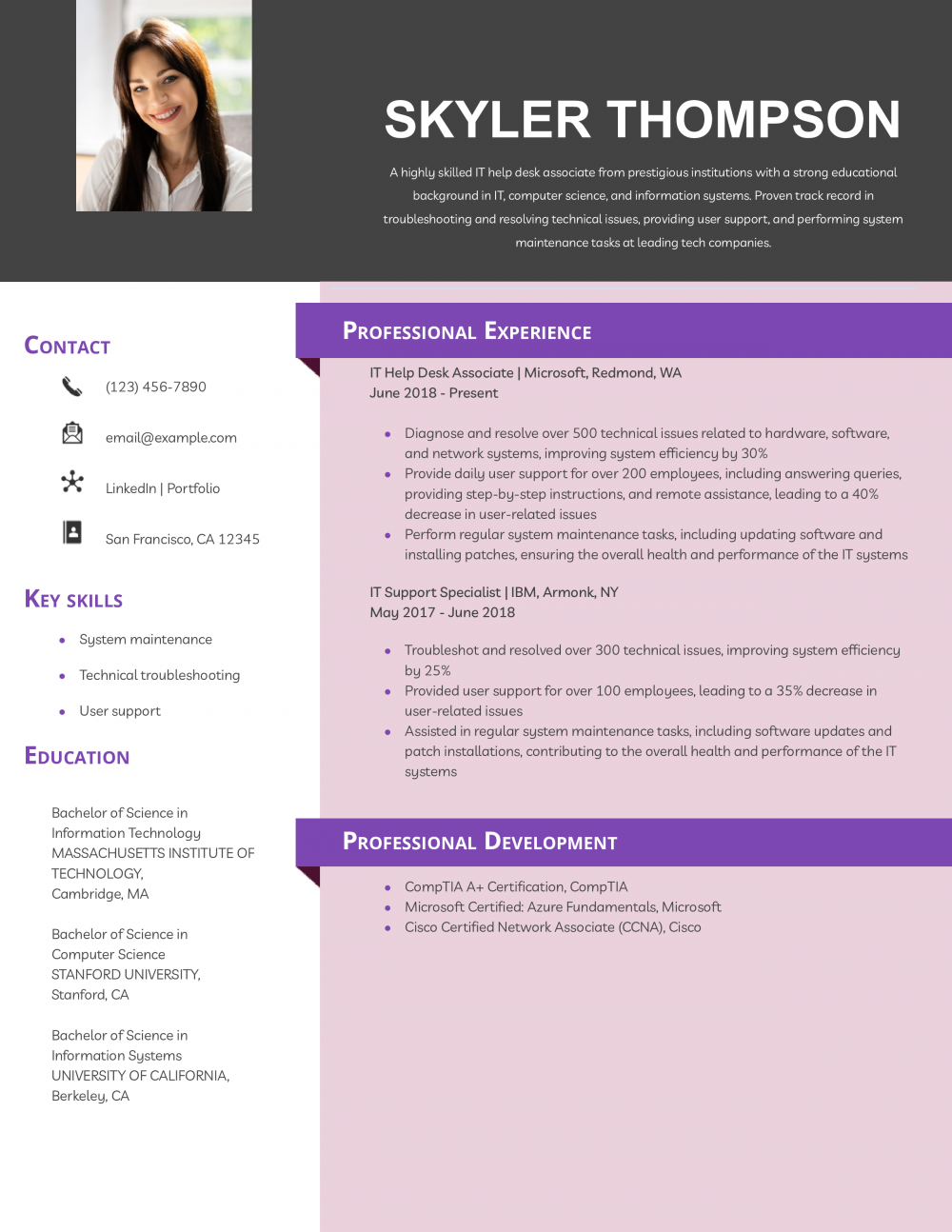
Use a single column with a profile, skills block, certifications, one or two work entries, and education.
If you have a home lab or Microsoft Learn track, add a short Projects section instead of stretching job bullets.
Save the second page for when you have three or more years of ticketing-system experience to show.
For a help desk technician, a tech template is the safest pick, because it keeps your stack, tools, and impact easy to scan. An ATS-friendly template is a solid alternative. Whichever you choose, keep the formatting clean and easy to parse: clear section headings, a standard font, and no graphics a parser can choke on.
Executive Resume Writer and Career Coach
Andrew Stoner is an executive career coach and resume writer with 17 years of experience as a hiring manager and operations leader at two Fortune 500 Financial Services companies, and as the career services director at two major university business schools.