
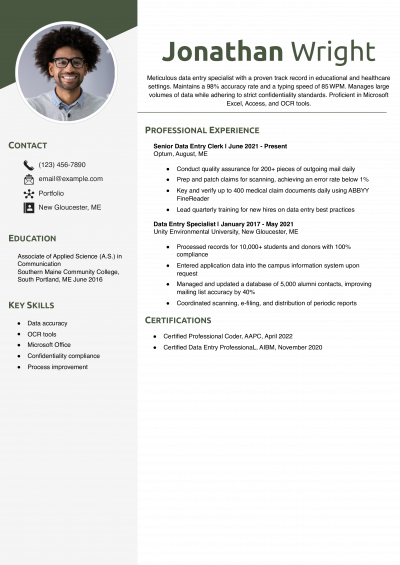
Data Entry Resume Examples and Templates


Microsoft Word’s built-in resume templates can simplify the process of creating and customizing your resume. With these templates, you can showcase your skills and experience in a clear and organized manner, making a strong impression on hiring managers.
You’ll find Word’s resume templates in the “New” section of the “File” menu. Click “Resumes and Cover Letters” under the search bar to view the full gallery of choices. From here, you can also search by vocation or industry. For instance, search “nursing” and Word will display its two resume styles (“Bold” and “Modern”) for that profession.
This guide provides resume examples and tips on creating an effective resume in Microsoft Word.
Key takeaways:
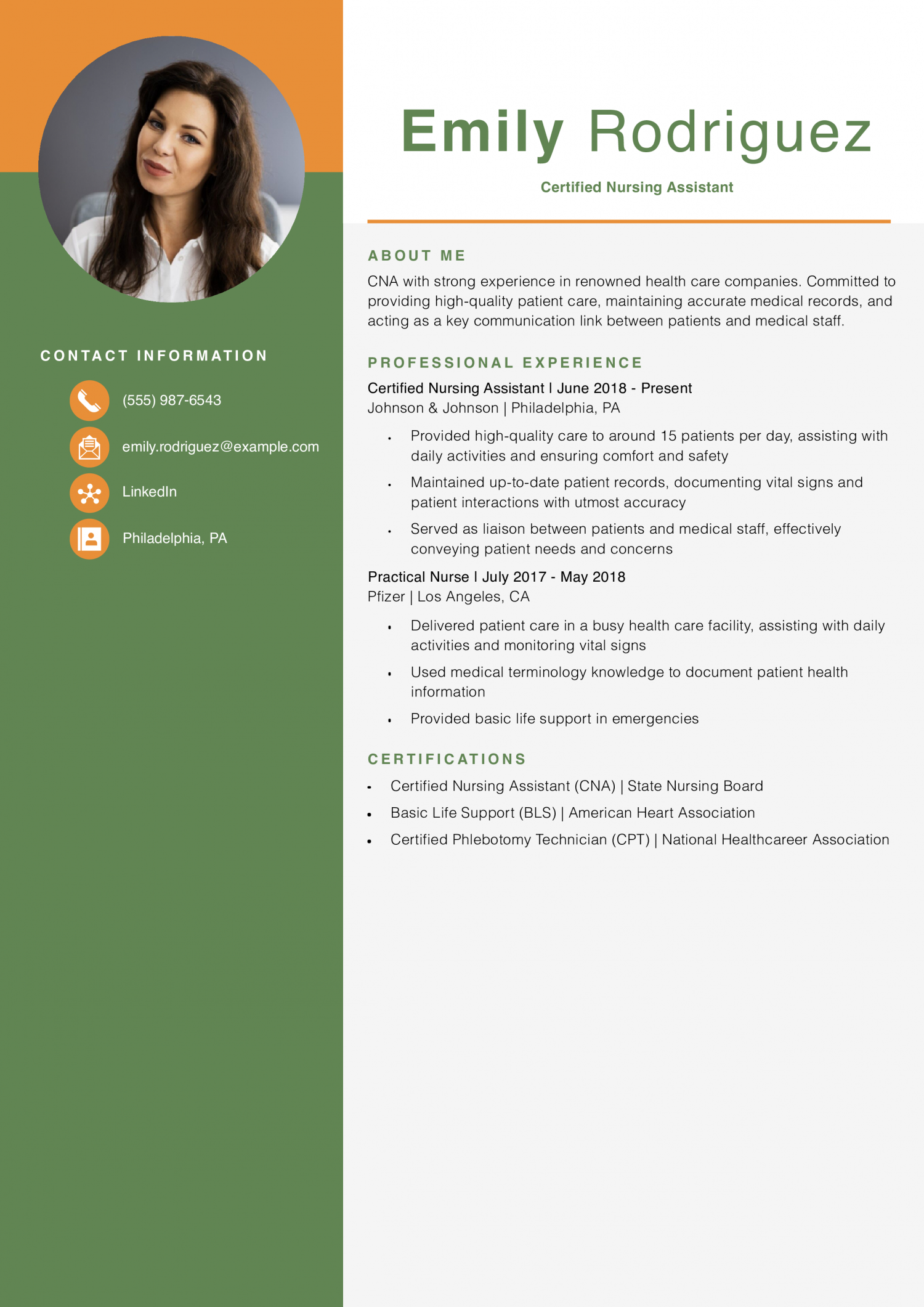
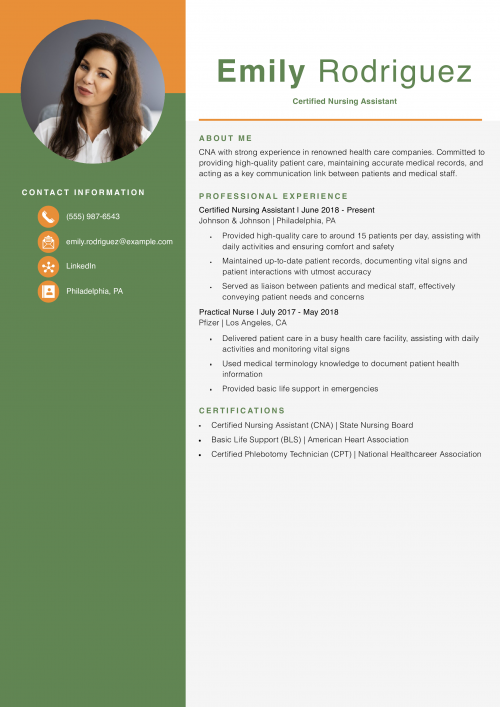
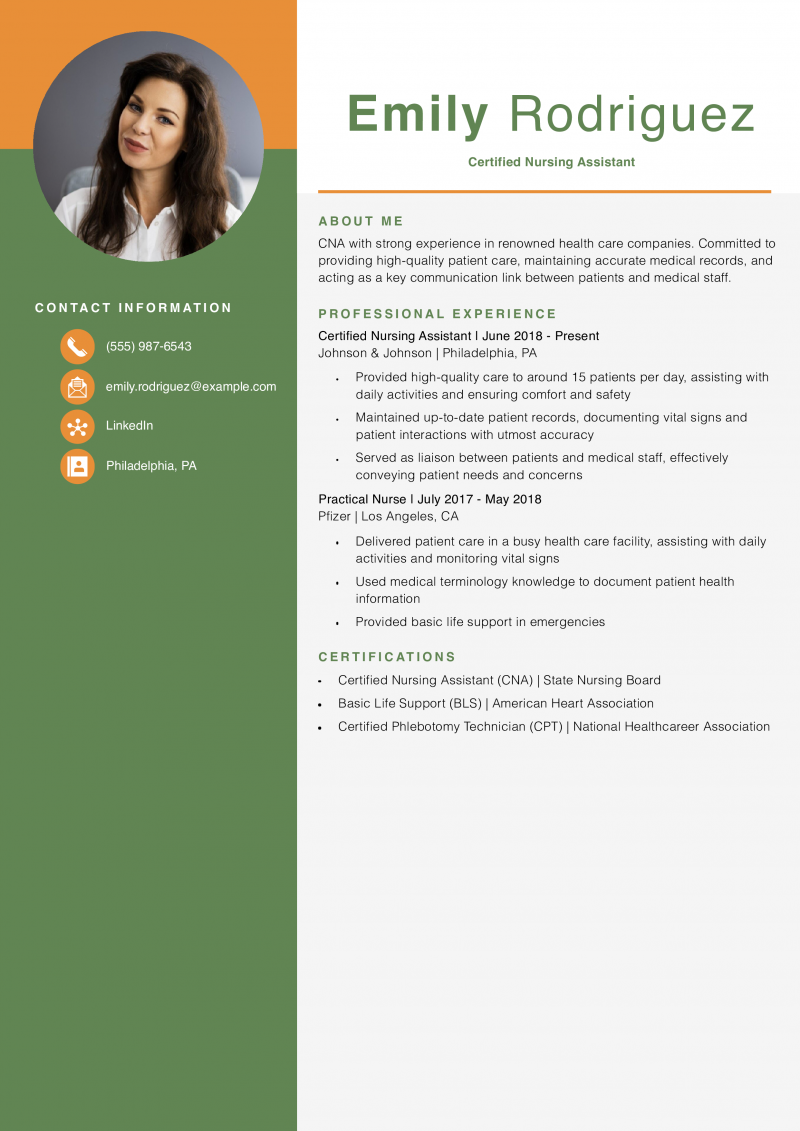
This resume uses Microsoft Word’s “Healthcare resume” template to clearly display Emily’s strong CNA experience and credentials.
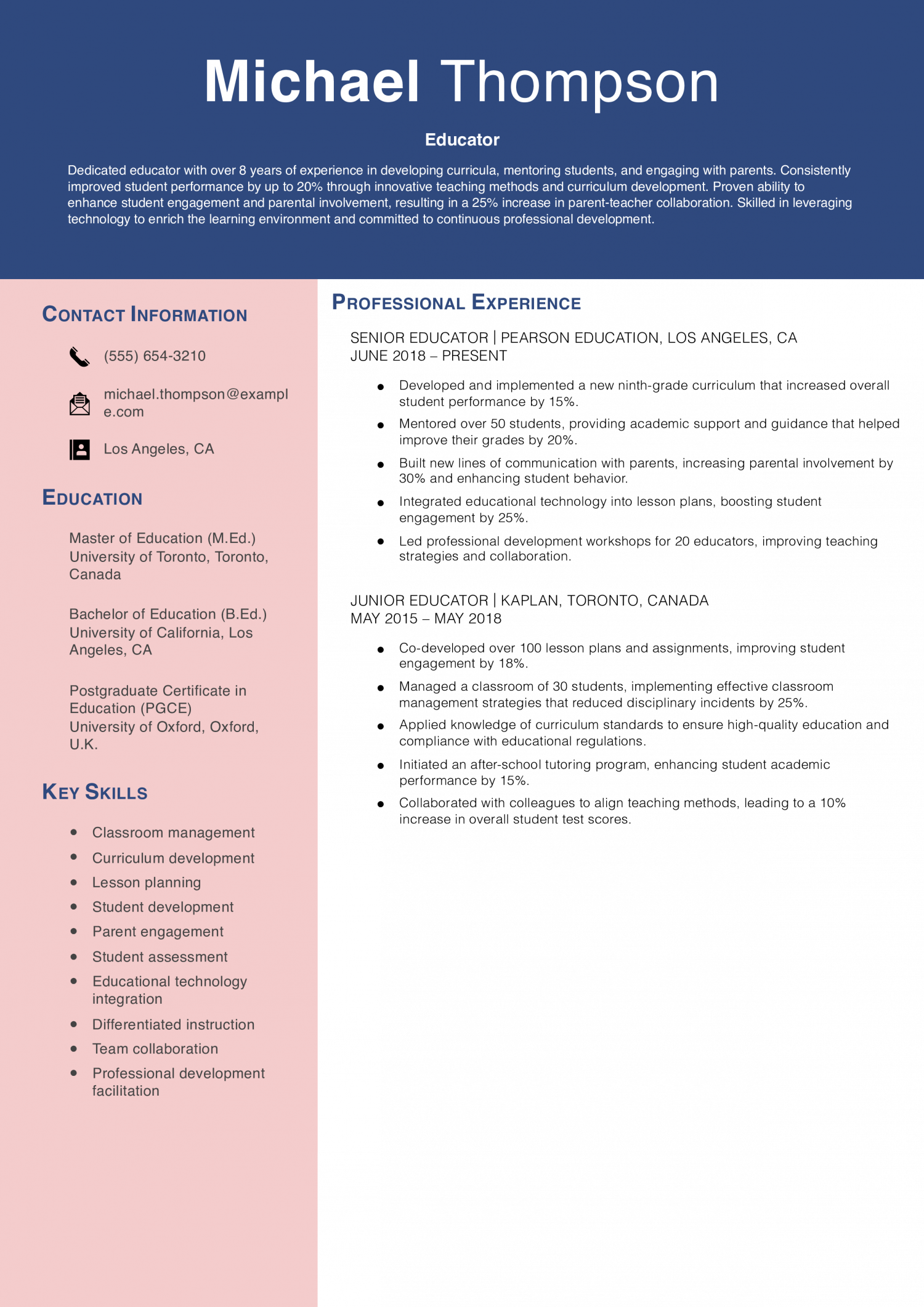
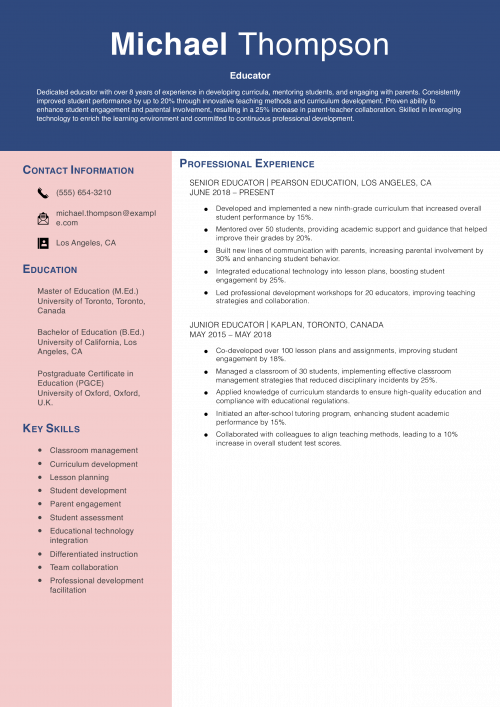
This resume effectively highlights Michael’s over eight years of teaching experience, showcasing measurable accomplishments such as improving student performance by up to 20% and increasing parental involvement by 30%. By providing five bullet points per role, it offers a comprehensive view of his responsibilities and achievements. The profile focuses on his experience and quantifiable results, removing educational credentials to emphasize professional expertise. This approach demonstrates his ability to contribute significantly to any educational institution.
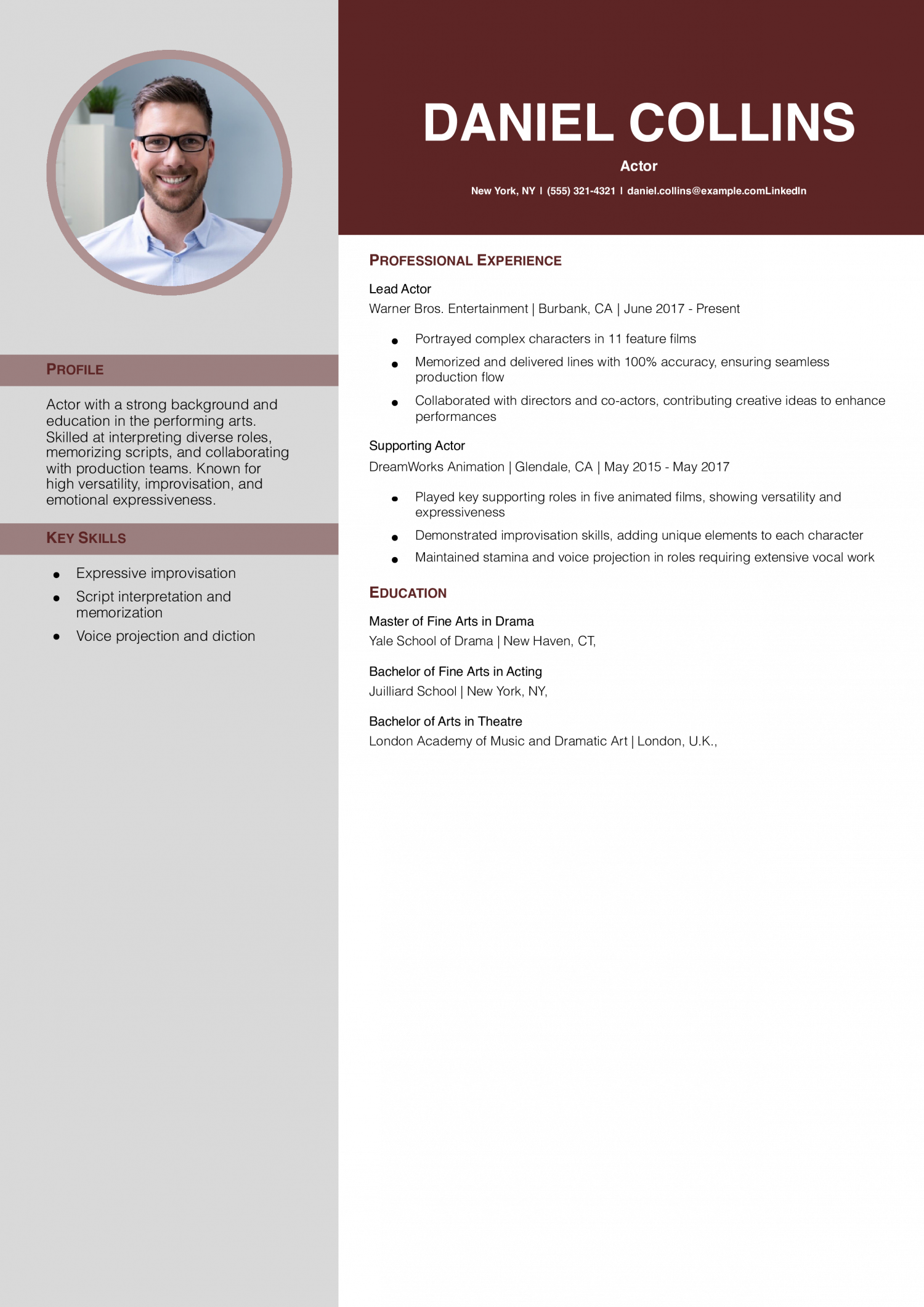
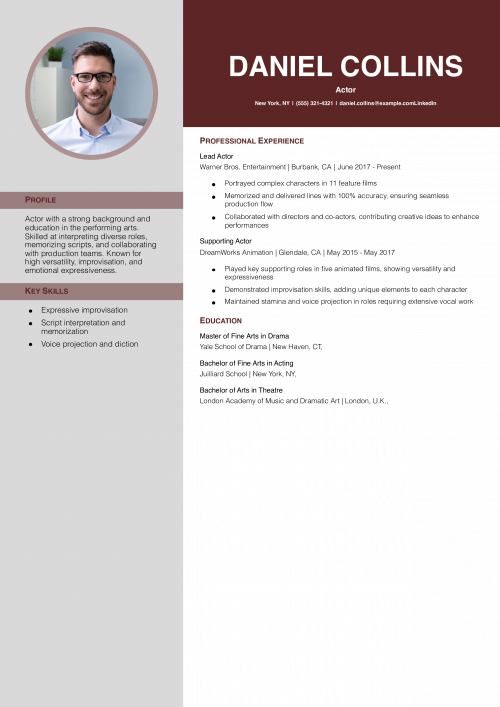
With Word’s “Bold modern resume” template, this resume lets Daniel showcase his acting experience and abilities. It also provides space for his headshot in the top-left corner.
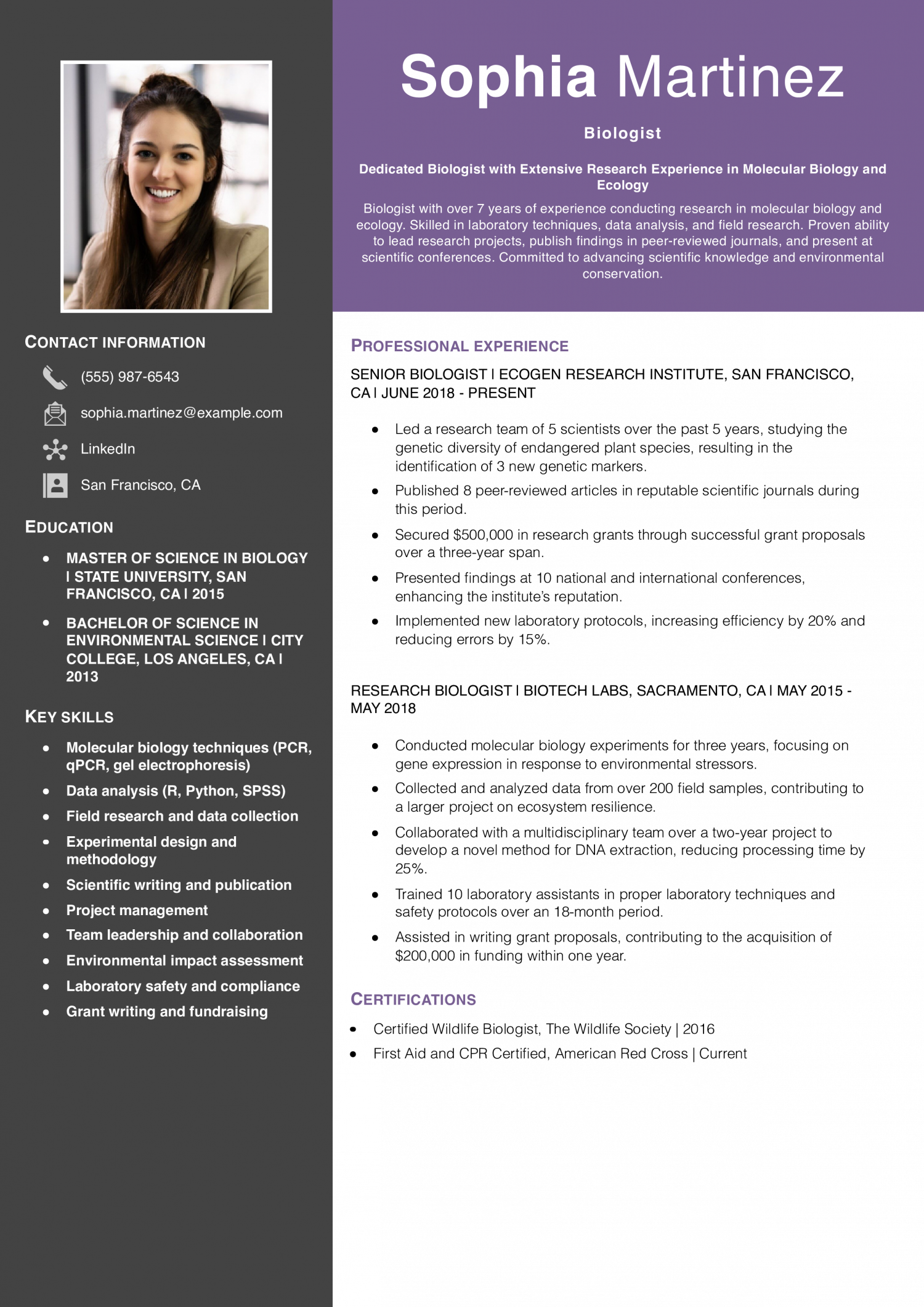
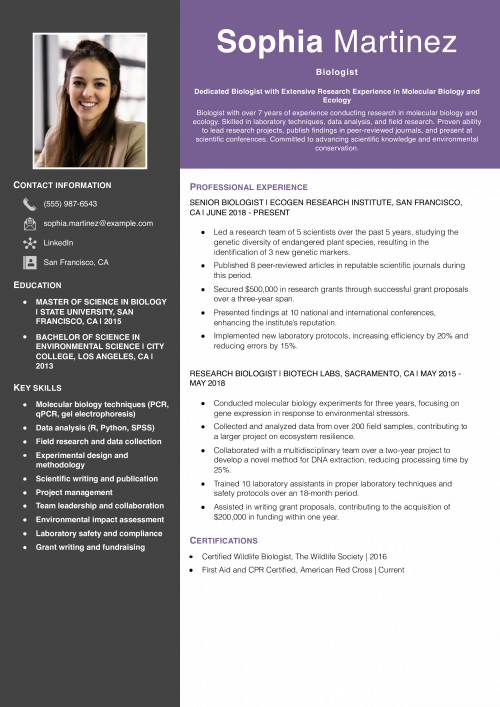
This resume effectively highlights Sophia’s extensive experience in both laboratory and field research. It showcases measurable achievements such as publishing 8 peer-reviewed articles, securing $500,000 in grants, and increasing lab efficiency by 20%. Including specific examples of leadership, like leading a team of 5 scientists and training laboratory assistants demonstrates her capability to manage projects and mentor others. The inclusion of time periods within the bullet points provides context for her accomplishments, making them more tangible. The resume also emphasizes her commitment to scientific advancement and environmental conservation, making her a strong candidate for research-focused positions in biology.
Sophia Martinez
(555) 987-6543 | [email protected] | San Francisco, CA | LinkedIn
Dedicated Biologist with Extensive Research Experience in Molecular Biology and Ecology
Biologist with over 7 years of experience conducting research in molecular biology and ecology. Skilled in laboratory techniques, data analysis, and field research. Proven ability to lead research projects, publish findings in peer-reviewed journals, and present at scientific conferences. Committed to advancing scientific knowledge and environmental conservation.
Senior Biologist
EcoGen Research Institute, San Francisco, CA | June 2018 to Present
Research Biologist
BioTech Labs, Sacramento, CA | May 2015 to May 2018
Master of Science in Biology
State University, San Francisco, CA | 2015
Bachelor of Science in Environmental Science
City College, Los Angeles, CA | 2013
Microsoft Word offers various resume templates tailored to different industries. Regardless of your field, opt for clean, professional, and easy-to-navigate templates. Those with sections for a summary, skills, experience, and education let you organize your information quickly.
After selecting a template, personalize it by adding your contact information, a professional summary, and specific sections that align with your career goals. Modify the template layout to suit your content, moving or renaming sections as needed. For instance, if you have extensive education, prioritize the education section; if you have more experience, highlight that section first. Use bullet points to make your content easy to read.
Start your resume with a compelling summary of your qualifications. This section should briefly describe your professional background and give the main reasons you’ll excel in the position. For example, an actor could describe their versatility and experience in different types of roles.
Create a dedicated skills section that lists both hard and soft skills relevant to your industry. For technical roles, include specific tools, software, and methods you’re proficient in. For example, if you’re a CNA, list skills like “vital signs monitoring” and “patient care.” Or, if you’re an educator, you might include “curriculum development” and “classroom management.”
Use the experience section to show your work history. List your job titles, companies, locations, and employment dates. Under each position, include three to five bullet points that describe your relevant duties and achievements. Focus on accomplishments and use action verbs to start each bullet point (e.g., “enhanced” or “coordinated”). Where possible, quantify your achievements.
List your degrees in reverse-chronological order, including the degree title, school name, location, and optionally the graduation date. If you hold certifications relevant to your job, list them in a separate section.
To finalize your resume, first proofread it carefully to catch any spelling or grammatical errors. Then, double-check that fonts, text sizes, and spacing are uniform throughout the document. A well-formatted resume shows your attention to detail and professionalism.
Once your resume is complete, save it in both Word (.docx) and PDF formats. PDF files are generally better for online applications because they preserve formatting across devices. Name your file clearly, using your name and the word “resume” (e.g., “SarahMitchell_Resume.pdf”).
The best way to highlight your experience in your Word CV is by emphasizing specific achievements in each role. Use bullet points to make your experience scannable and focus on results-driven accomplishments, such as improving processes or saving costs. Include quantifiable data like percentage increases or revenue growth to reinforce the impact of your work.
One great way to customize your resume is by adding brief descriptions of the places you've worked, in [brackets] right next to or below the company name. Company descriptions let you show any similarities between your past employers and the one that posted the job.
For example, maybe you've worked for companies of a similar size or industry. Or maybe you've worked at organizations with a similar mission or leadership philosophy. By adding these details, you can make your resume more relevant to the job opening at hand.
The combination or hybrid format merges a functional resume's profile section with a chronological resume's experience section. Most modern resumes (including the ones on this page) follow this format because it gives hiring managers the clearest view of an applicant's strengths and work history.
Microsoft Word resume templates offer various professionally designed layouts that are easy to use and customize. They provide structure, helping you organize your information clearly. Using a Word template can save time and ensure your resume meets standard formatting expectations, making it a popular choice for job seekers across different industries.
Resume Templates offers HR approved resume templates to help you create a professional resume in minutes. Choose from several template options and even pre-populate a resume from your profile.