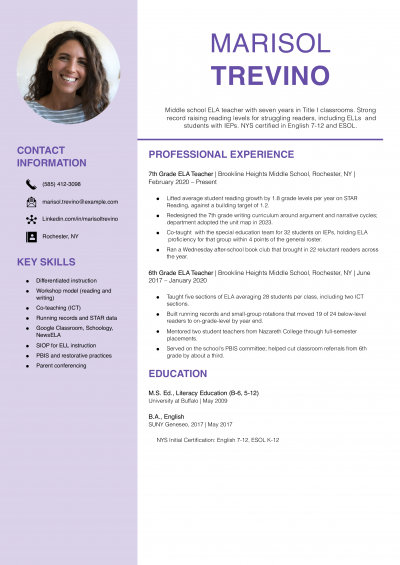
Teacher Resume Examples and Templates for 2026



The examples below show how to frame needs analysis, storyboards and post-launch results on one page. Use them to shape your own project bullets and skills block.
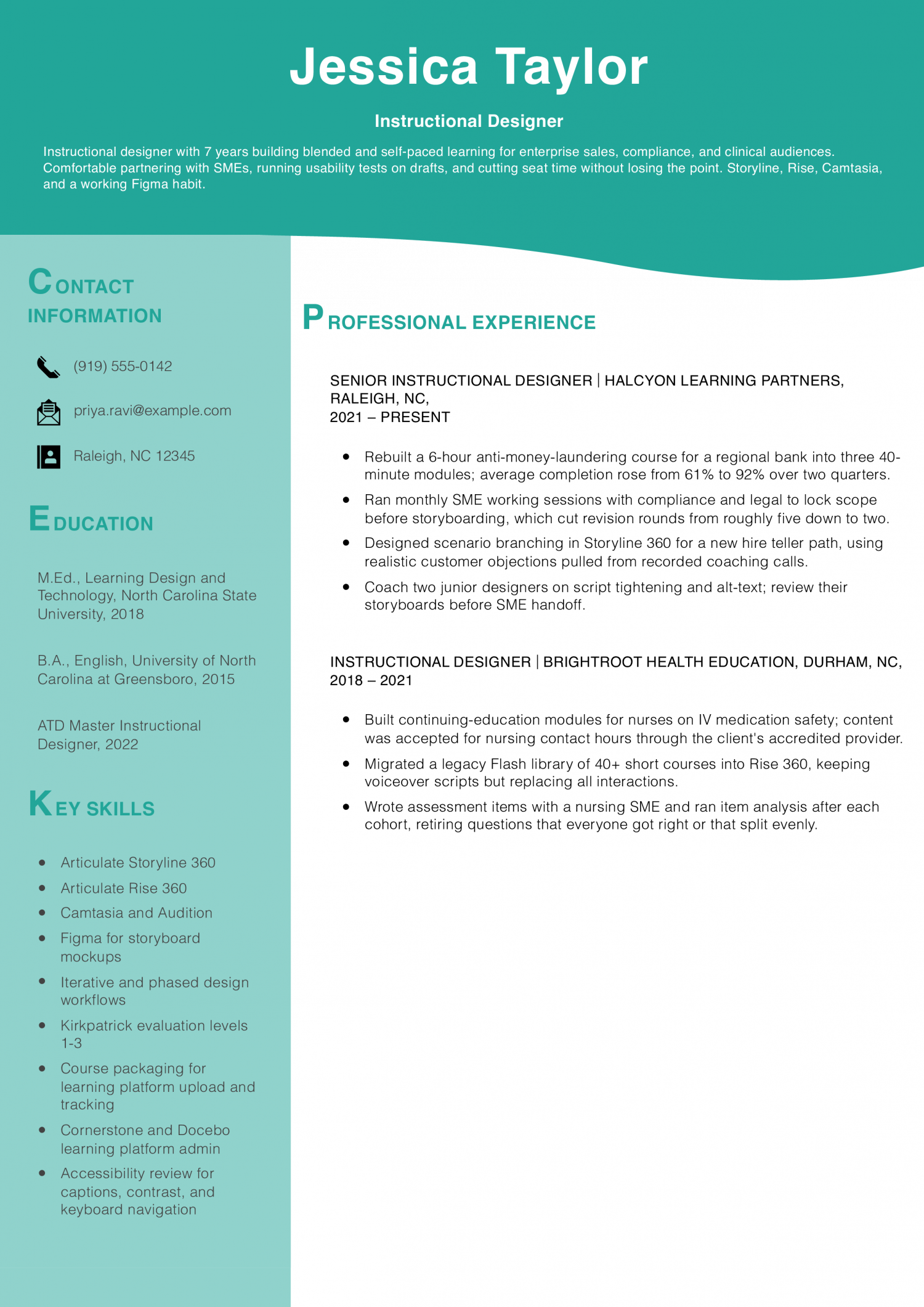
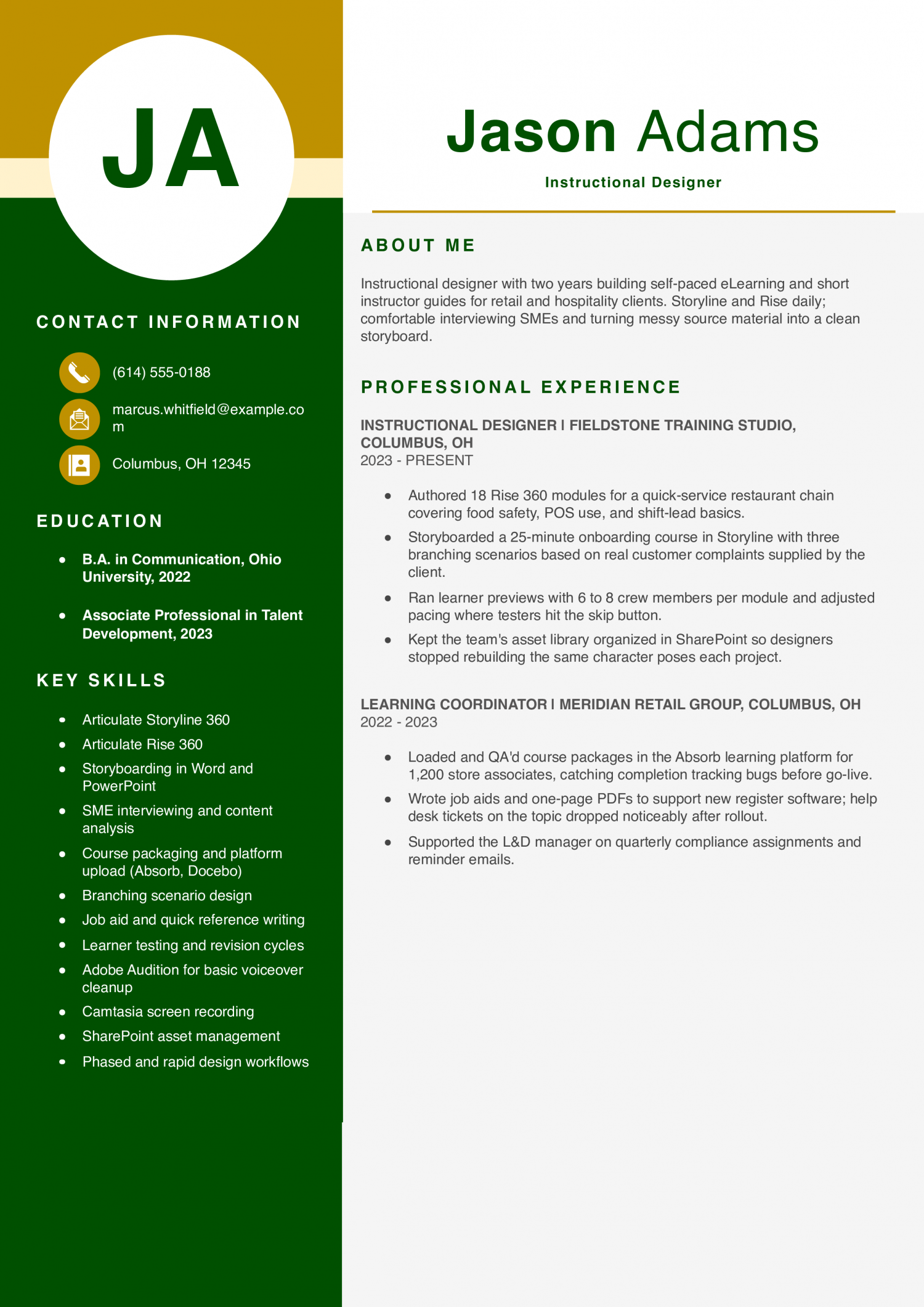
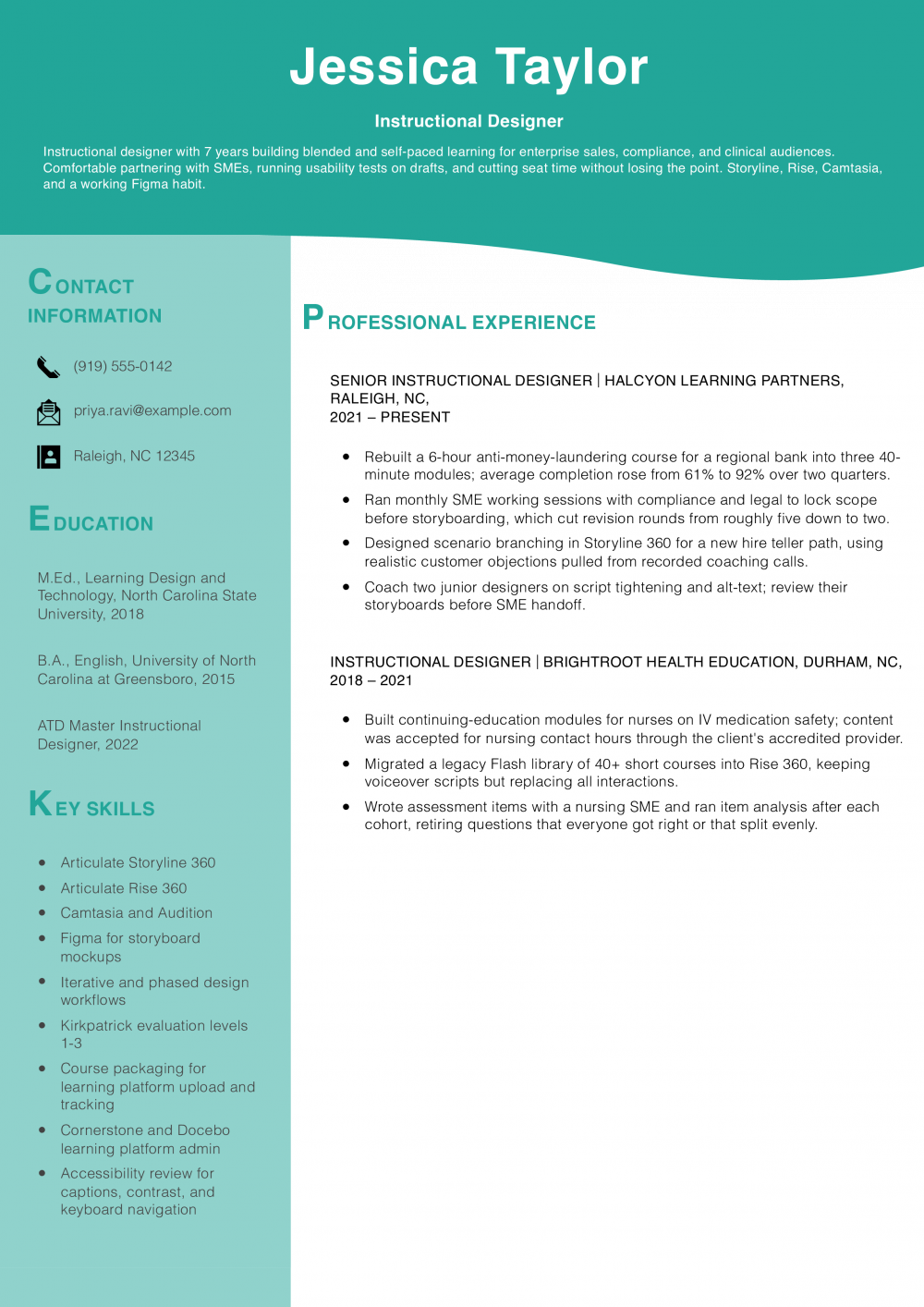
This resume is for an Instructional Designer with two to five years of course-building work behind them. It has to prove you can turn source material into finished modules that pass review and hit launch dates.
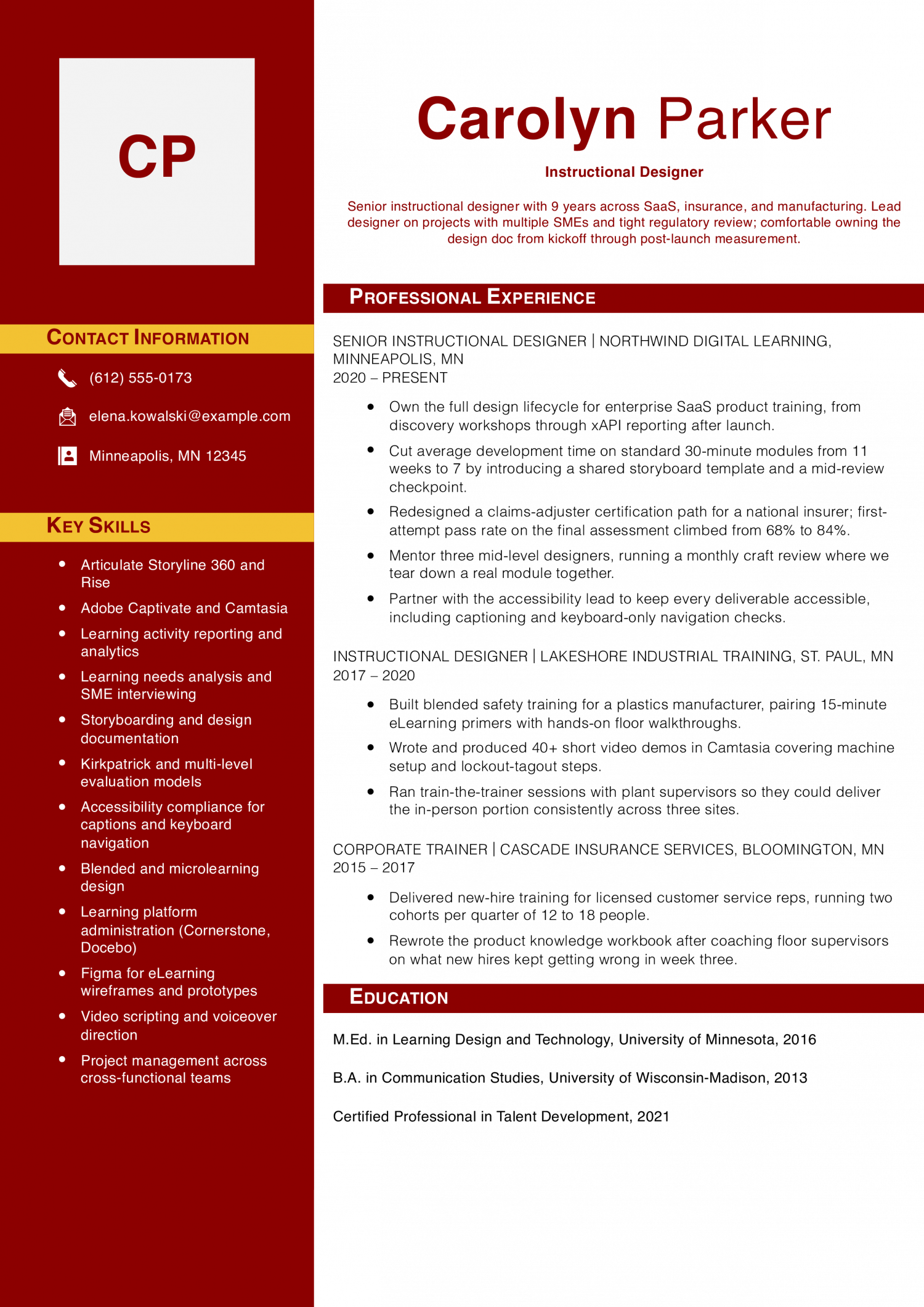
A Senior Instructional Designer resume is for someone who owns full programs and coaches newer designers. It must show learner outcomes, work across authoring tools, and steady ties with subject experts.
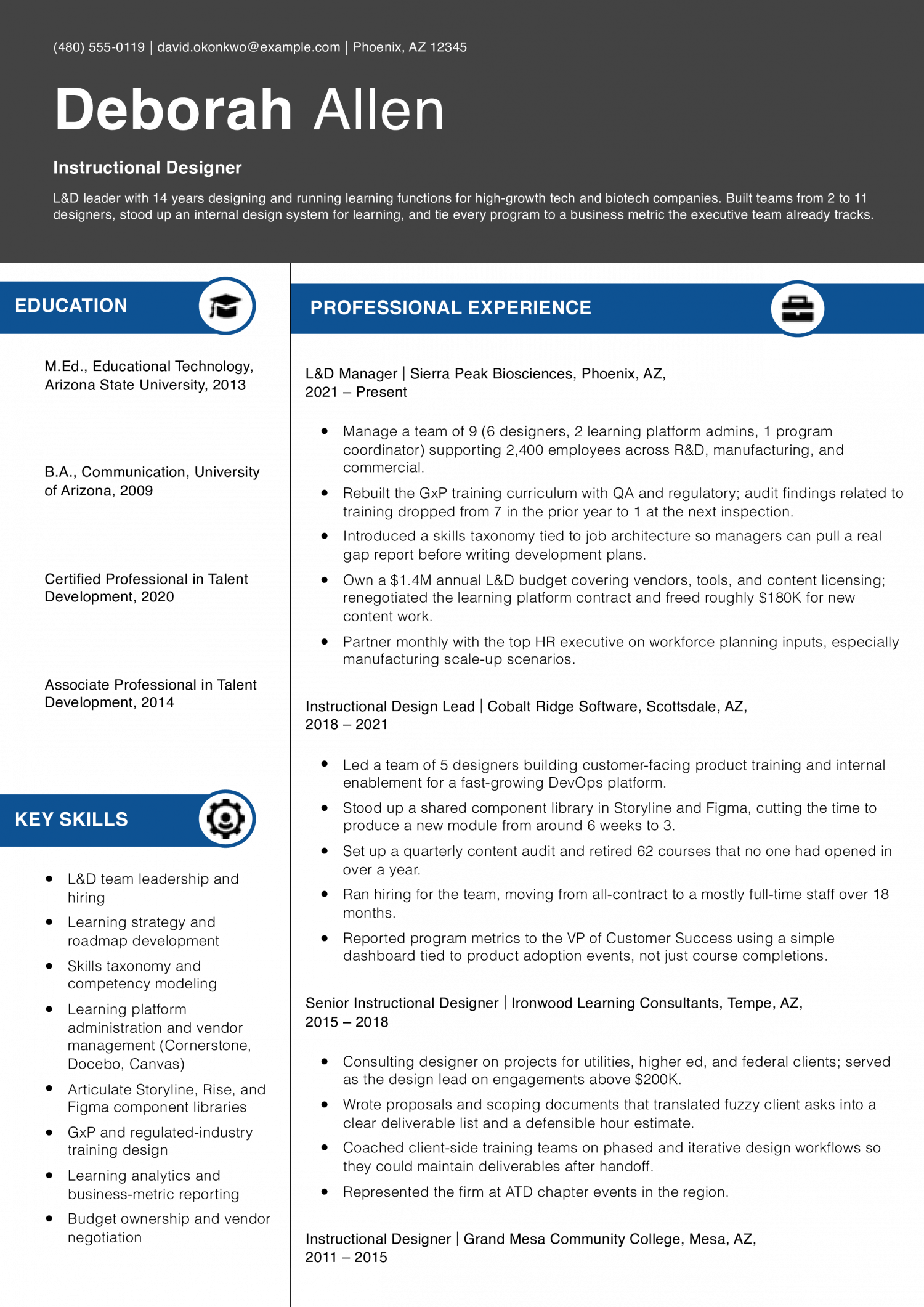
An Instructional Design Lead or L&D Manager resume is read by training directors staffing a function. It has to show budget ownership, team leadership, and a plan that ties learning to real business goals.
Sarah Lindqvist
Portland, OR | (503) 555-0164 | [email protected] | linkedin.com/in/sarahlindqvist
Instructional designer with 8 years building learning for healthcare, higher ed, and enterprise software. Strong at scoping with SMEs, writing clean assessments, and pushing back on content that does not belong in training. Storyline, Rise, Camtasia, Vyond, and Figma daily; learning platform admin experience across three systems.
Senior Instructional Designer
Cedar Hollow Learning Group | Portland, OR | 2022-Present
Instructional Designer
Rainier Digital Academy | Vancouver, WA | 2019-2022
Instructional Designer
Willamette State University, Center for Teaching | Salem, OR | 2017-2019
Training Specialist
Cascadia Home Health Services | Beaverton, OR | 2015-2017
The first line of your summary should name learner volume, course output, or a completion rate from your last role. Learning and development managers and training directors scan for scale before they read anything else. A strong opener might cite 40 hours of e-learning shipped last year, an average course rating of 4.6 out of 5, or a 22 percent lift in post-training assessment scores.
Pick the number your team actually tracks. Follow it with the modality mix you own, such as instructor-led, self-paced, and blended. Close the line with the audience, whether that is field sales, clinical staff, or new hires.
This tells a reader in one sentence what you can absorb on day one.
Most strong instructional designer bullets pair a deliverable with a learning result. Recruiters scan for two or three numbers before they read the verbs. Name the metric your stakeholders cared about: completion rate, knowledge check pass rate, time to proficiency, or seat time reduced.
A useful bullet might read, cut onboarding seat time from 12 hours to 7 while holding assessment scores above 85 percent. Another might cite a Kirkpatrick Level 2 pass rate of 92 percent across 1,400 learners. Bullets without a number tend to read as task lists.
If a project predates your tracking, cite audience size and module count instead. Keep each metric grounded in what your survey tool actually reported.
Sort your bullets into three or four buckets so a reader can find the shape of your practice fast. Analysis and consulting covers needs assessments, learner interviews, and job task analysis. Design and development covers storyboards, scripts, Articulate Storyline builds, Rise courses, video, and job aids.
Delivery and facilitation covers train-the-trainer sessions, virtual classroom production, and pilot cohorts. Evaluation covers Kirkpatrick levels, survey design, and platform reporting. Under each bucket, lead with the artifact you shipped, then the audience, then the result.
Avoid stacking every authoring tool in one sentence. A reader learns more from one detailed Storyline project than from a wall of software names with no context.
Put a short credentials block on page one, under your summary or beside your contact line. Name the Certified Professional in Talent Development (CPTD) from ATD if you hold it, or the Associate Professional in Talent Development (APTD) from ATD at the mid-career level. Learning and development managers and training directors use these to gauge depth against ATD’s capability model.
Next to credentials, list the authoring and platform tools you use daily, such as Articulate Storyline, Rise, Camtasia, Vyond, Cornerstone, or Workday Learning. Keep the list to tools you could open and edit today. Move older or one-off software to a secondary skills section further down.
This keeps the first screen dense with signal, not clutter.
End the resume with an education section and a link to work samples. List your degree, institution, and graduation year, plus any instructional design or learning science coursework that a reader would recognize. Master’s programs in instructional design, educational technology, or adult learning belong here.
Add a portfolio URL under your name at the top and repeat it near your education block. Reviewers often click before they finish reading. Two or three password-free samples covering different modalities carry more weight than a long list of titles.
If you built assets under a client confidentiality agreement, describe the problem, the audience, and the result without naming the client. That gives learning leaders enough to trust the work.
The instructional designer resumes that get callbacks share a specific skill mix. Check your own list against the posting before you finalize either section. Learning and development managers and training directors scan for these patterns first, not vague passion for teaching.
They weigh hard skills as proof you can build the course on the tools their team owns. A line like Articulate Storyline signals you can start on day one without a ramp. Soft skills carry different weight and read as filler when they stand alone.
Stakeholder management belongs next to a bullet that shows you ran a review cycle with subject matter experts. Treat the hard skills table as your keyword bank for the top of the resume. Pull three or four terms that match the posting into your summary and skills bar.
Route the rest into the bullets where you used them on real projects. Save the soft skills for evidence, never a standalone list at the top. Every soft skill needs a bullet under it that shows the behavior in action.
| Soft Skills | AI-estimated % |
|---|---|
| Stakeholder collaboration | 78% |
| Instructional feedback delivery | 51% |
| Adaptability to learners | 45% |
| Cross-functional communication | 39% |
| Attention to detail | 27% |
And here are the top hard skills showing up most often.
| Hard Skills | AI-estimated % |
|---|---|
| Instructional design | 79% |
| eLearning development | 58% |
| Curriculum development | 47% |
| Learning needs assessment | 35% |
| Training program evaluation | 31% |
Skill names and rankings come from an AI model grounded in U.S. Department of Labor occupation data for instructional designers, not from a count of instructional designers’ resumes built on ResumeTemplates.com.
The items below are what separate an instructional designer resume from one that gets put back in the pile.
Learning and development managers scan for proof of specific design work. They want to see the tools you build in. They want the frameworks you follow when you scope a course. Group your keywords by the kind of learning you produce. One row can cover self-paced e-learning built in Articulate or Captivate. Another can cover live virtual training you facilitate on Zoom. A third can name the platforms where your courses live. Add a row for the analysis and evaluation methods you use. Close with a row on the audiences you design for. Each row shows a training director a different slice of your range. Keep the labels short and the terms exact.
| Niche | Keywords ATS scans for |
|---|---|
| E-learning authoring | Articulate Storyline, Adobe Captivate, Rise 360 |
| Course hosting | Cornerstone, Docebo, Moodle |
| Design frameworks | Bloom’s Taxonomy, Gagne’s Nine Events, backward design |
| Needs analysis | learner personas, task analysis, Kirkpatrick evaluation |
| Virtual facilitation | Zoom, MS Teams, virtual classroom design |
What learning and development managers expect on an instructional designer resume has shifted. A generic line about staying current on trends now reads as thin. A specific workflow that names the tool, the task and the human review step reads as credible. Say which AI tools you use to draft objectives, storyboards or knowledge checks. Say who reviews the output for accuracy, bias and alignment to the source material. Name the authoring tools the AI output feeds into. Use the rundown below to decide what earns a spot on the page and what stays out.
AI now speeds interview synthesis and gap analysis, but a designer still writes the learning objectives and terminal behaviors.
First-pass storyboards and scenario branches come from AI prompts, then a designer edits for accuracy and instructional fit.
AI drafts knowledge checks and distractors, and a designer maps each item back to the objective and source content.
Voiceover, image and video generation shortens production time, so name the tool and note any brand or legal review.
A freelance instructional designer lives or dies on the portfolio link at the top of the resume. Learning and development managers and training directors will click before they finish reading. Give them samples that show your design process, not just polished screens.
Full control over case study layout and password-gated client work.
Live Storyline and Rise files reviewers can click through in the browser.
Narrated tours of designs you cannot share publicly.
Free hosting for storyboards, job aids, and design documents.
Structure each portfolio piece as a short case study, not a gallery. State the audience, the performance gap, your design choices, and the measured result. Three deep case studies beat 12 thumbnails every time.
Password-protect anything built for a paying client, and note the password is available on request. Recreate one or two projects as concept pieces if your best work stays confidential. Label concept work clearly so reviewers do not mistake it for shipped courses.
A degree and a portfolio of course samples keep you eligible for most roles. The credentials below are what move an instructional designer resume from the qualified-but-typical stack into the shortlist that learning and development managers and training directors actually read. They signal that you know the field beyond your own tools and templates. They also signal the tier of work you are ready for, from supporting a senior designer to owning a full learning program. List the issuing body, the year you earned each credential, and the expiration date if one applies. Keep the format tight and easy to scan.
The Bureau of Labor Statistics does not publish a wage code for Instructional Designer specifically. The numbers below are a proxy: the closest published match is Instructional Coordinators (SOC 25-9031), so use them as an estimate for this role, not an exact figure.
For Instructional Designers, the low end of pay sits well under the middle, and the high end runs more than half again above it. The spread is wide. It tells you the field rewards focus and tool skill over years on the job.
A designer building compliance modules in a small L&D team reads one way. A designer leading large learning platforms reads another. Hiring is steady across the country.
The top-paying states are not the states that hire the most, so place moves pay on its own. L&D managers and training directors read the resume for scope, tools, and learning results. Position your resume around the tools you own, the audience size you have trained, and the modality mix you have shipped.
| # | State | Median Annual |
|---|---|---|
| 1 | District of Columbia | $105,990 |
| 2 | Maryland | $102,220 |
| 3 | Washington | $97,250 |
| 4 | California | $97,010 |
| 5 | Connecticut | $96,170 |
| 6 | New Jersey | $96,090 |
| 7 | Hawaii | $96,080 |
| 8 | Massachusetts | $95,320 |
| 9 | Oregon | $84,620 |
| 10 | Virginia | $83,230 |
| # | State | Workers | Median |
|---|---|---|---|
| 1 | Texas | 31,970 | $78,710 |
| 2 | California | 20,950 | $97,010 |
| 3 | New York | 18,730 | $80,560 |
| 4 | Florida | 18,030 | $60,790 |
| 5 | Illinois | 10,330 | $76,050 |
Resume Templates offers HR approved resume templates to help you create a professional resume in minutes. Choose from several template options and even pre-populate a resume from your profile.
Build two or three sample courses that solve real training problems, then post them in an online portfolio.
Volunteer to redesign a training deck for a nonprofit or a small business, and cite that work on the resume. Learning and development managers weigh evidence of design thinking over the last job title.
Show three to five finished samples that each pair a short problem statement with the design choices you made.
Include one e-learning module, one job aid or microlearning piece, and one facilitator guide or storyboard. Link the portfolio URL in the resume header so reviewers reach it in one click.
Mirror the exact phrasing in the posting, then add the tools and methods you actually use.
Common matches include Articulate Storyline, Rise, Camtasia, needs analysis, and adult learning theory. Put the terms in your skills block and echo them once inside a bullet where they are true.
Yes, translate every classroom bullet into the language of adult learning and workplace outcomes.
Recast lesson plans as learning objectives, unit design as curriculum mapping, and parent updates as stakeholder communication. Lead each bullet with the business result: time saved, error rates cut, or completion rates lifted.
Report the closest proxy you can defend, such as completion rate, average quiz score, or time to competency.
If none of those are available, cite production metrics like modules shipped per quarter or revision cycles cut. Name the source of the number in the same bullet so a reviewer can trust it.
A second page is fine once you have five or more years of design work and shipped courses to cite.
Keep the first page focused on recent roles, key tools, and headline metrics a reviewer will scan. Move older roles, conference talks, and adjunct teaching to page two.
Group the engagements under a single heading such as Independent Instructional Designer with clear start and end dates.
Under that heading, list each client project as its own sub-bullet with the audience, the tool, and the outcome. This format reads as steady work rather than a run of short gigs.
For an instructional designer, an ATS-friendly template is the safest pick, because it puts your certifications and experience where a hiring manager scans first. A basic template is a solid alternative. Whichever you choose, keep the formatting clean and easy to parse: clear section headings, a standard font, and no graphics a parser can choke on.
Executive Resume Writer and Career Coach
Andrew Stoner is an executive career coach and resume writer with 17 years of experience as a hiring manager and operations leader at two Fortune 500 Financial Services companies, and as the career services director at two major university business schools.
Customize this template in our builder in under 10 minutes.